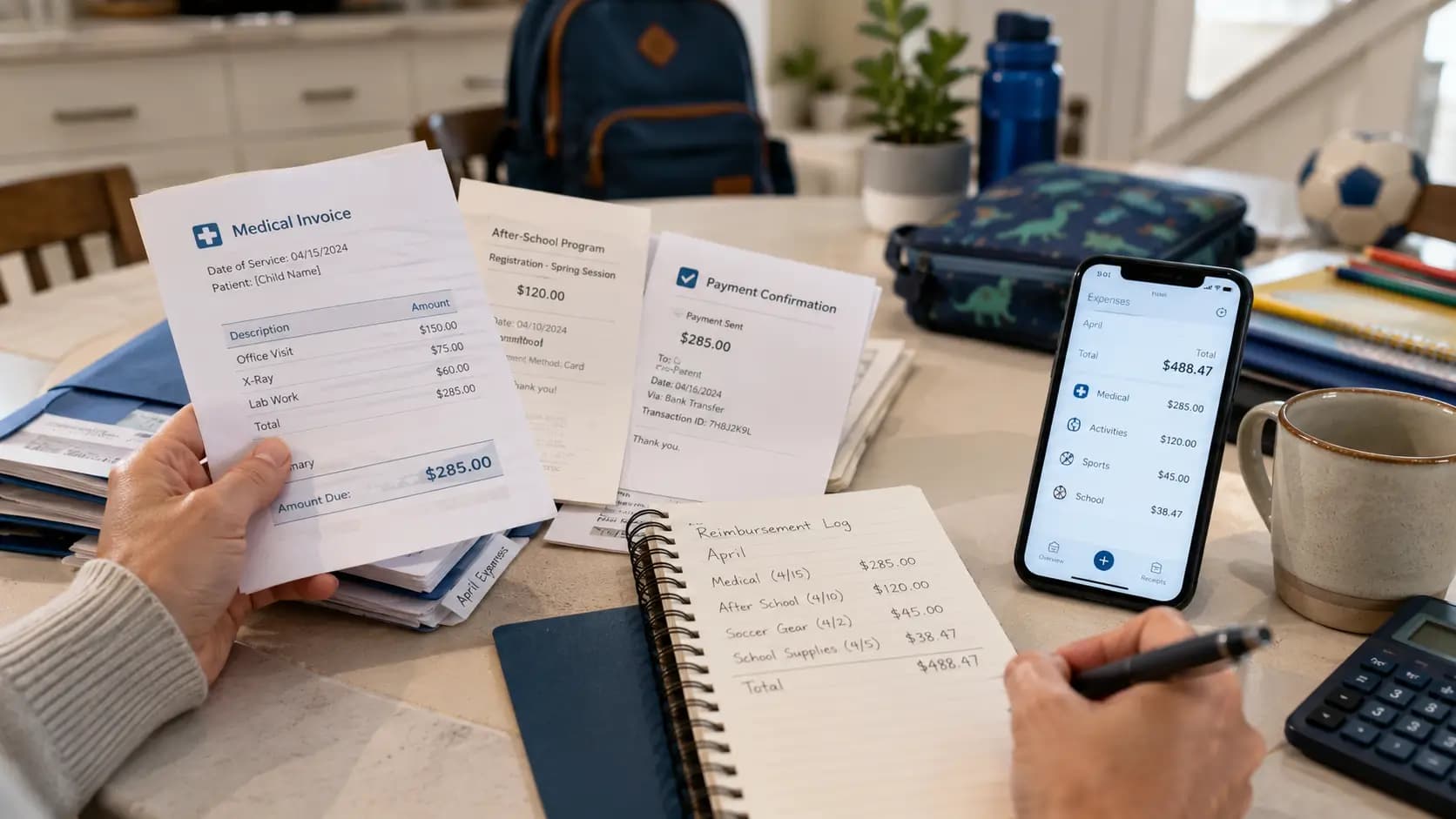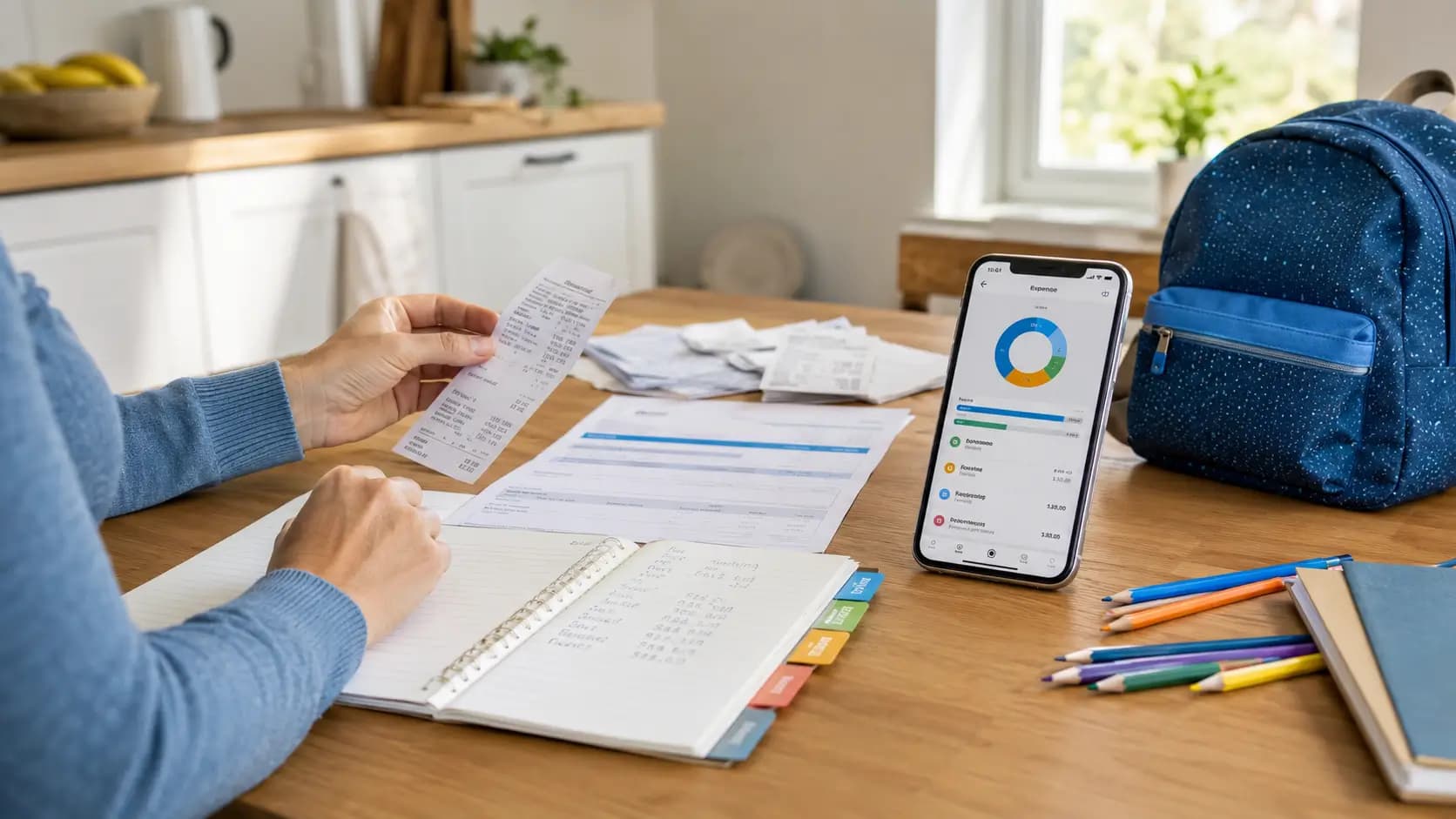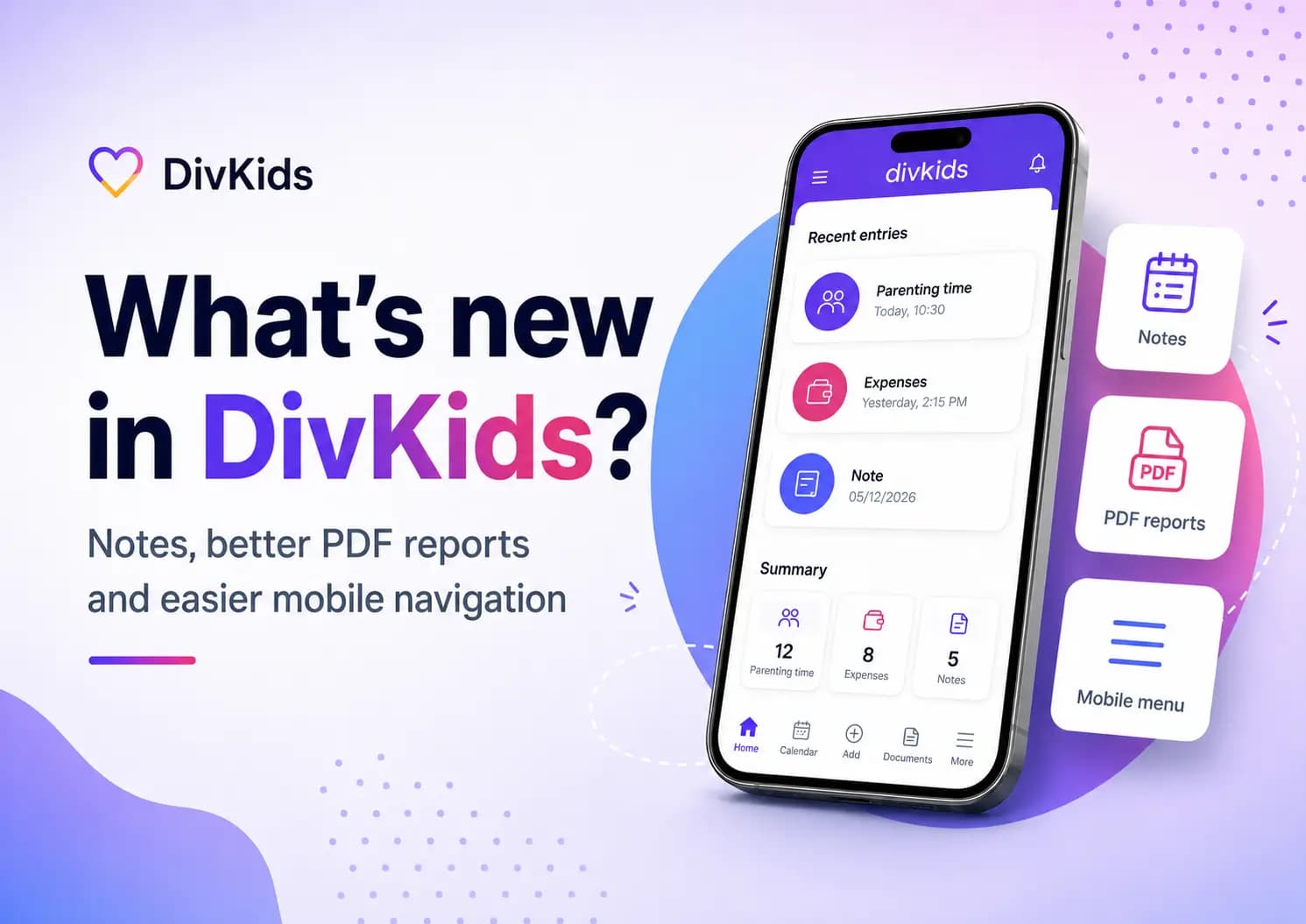
DivKids keeps improving for separated and divorced parents who need one private place for child expenses, parenting time and important records. The latest updates add Notes, stronger PDF reports and easier mobile navigation.
If you are trying to document child support, child maintenance, parenting time or family court evidence, these changes make DivKids easier to use day by day. You can also read our guide on how to document child expenses after divorce or visit DivKids directly.
This article is for general information only and is not legal advice.
Quick answer
DivKids now helps parents record more than expenses and visits. With the new Notes feature, you can save message screenshots, agreements, photos, documents and important situations under a specific date.
- The update covers Notes, PDF reports and easier navigation on mobile.
- It helps parents document child-related expenses, parenting time, contact time, screenshots, photos and agreements.
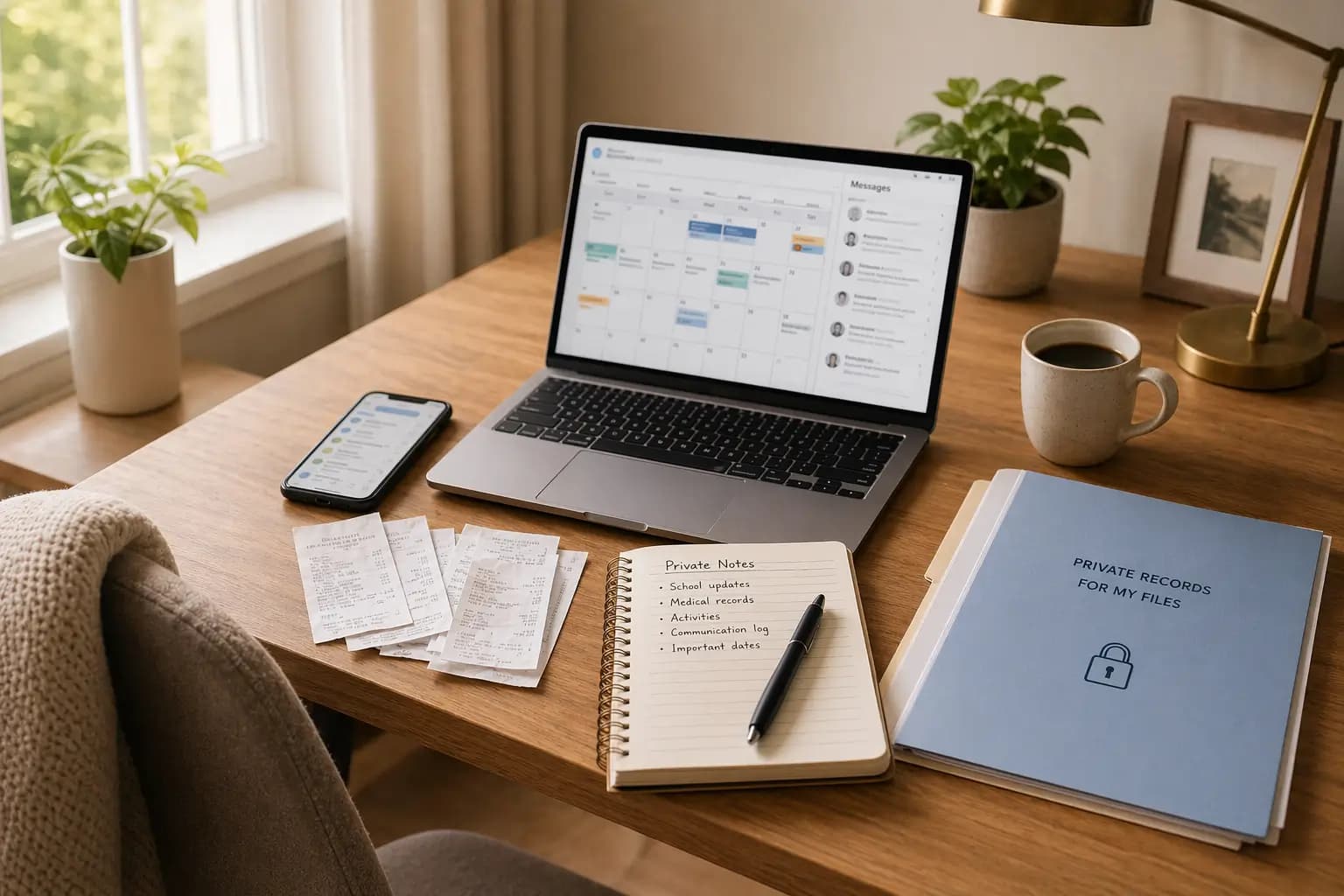
- Manual notes, phone galleries and spreadsheets can become messy when a child support or custody dispute lasts for months.
Key points
- DivKids now has 3 core areas: child expenses, parenting time and Notes.
- Notes are useful for message screenshots, agreements with the other parent, photos, PDFs and important facts.
- Each important record should include a date, a short description and, when possible, an attachment.
- PDF reports are easier to use when you need to review expenses, contact history and supporting files.
- The mobile menu is more convenient because most parents add receipts, screenshots and notes from their phone.
- For child expenses, the strongest habit is simple: amount, date, category, child and proof.
- For parenting time, record the date, time, status and a short note.
- For Notes, do not rely on memory or scattered screenshots. Save the important fact when it happens.
Table of contents
What is new in DivKids?
DivKids is a private documentation app for parents who need to keep child-related facts in order. It is not just a child expense tracker and not just a parenting time log.
The latest update makes it easier to keep the whole story in one place: what you paid for, when you saw your child, what was agreed and what documents or screenshots support it.
This matters because family disputes often become difficult when everything is spread across receipts, texts, email, WhatsApp, Messenger, photos and spreadsheets. For a wider overview, read our parenting time tracker guide.
Notes for screenshots, agreements and important facts
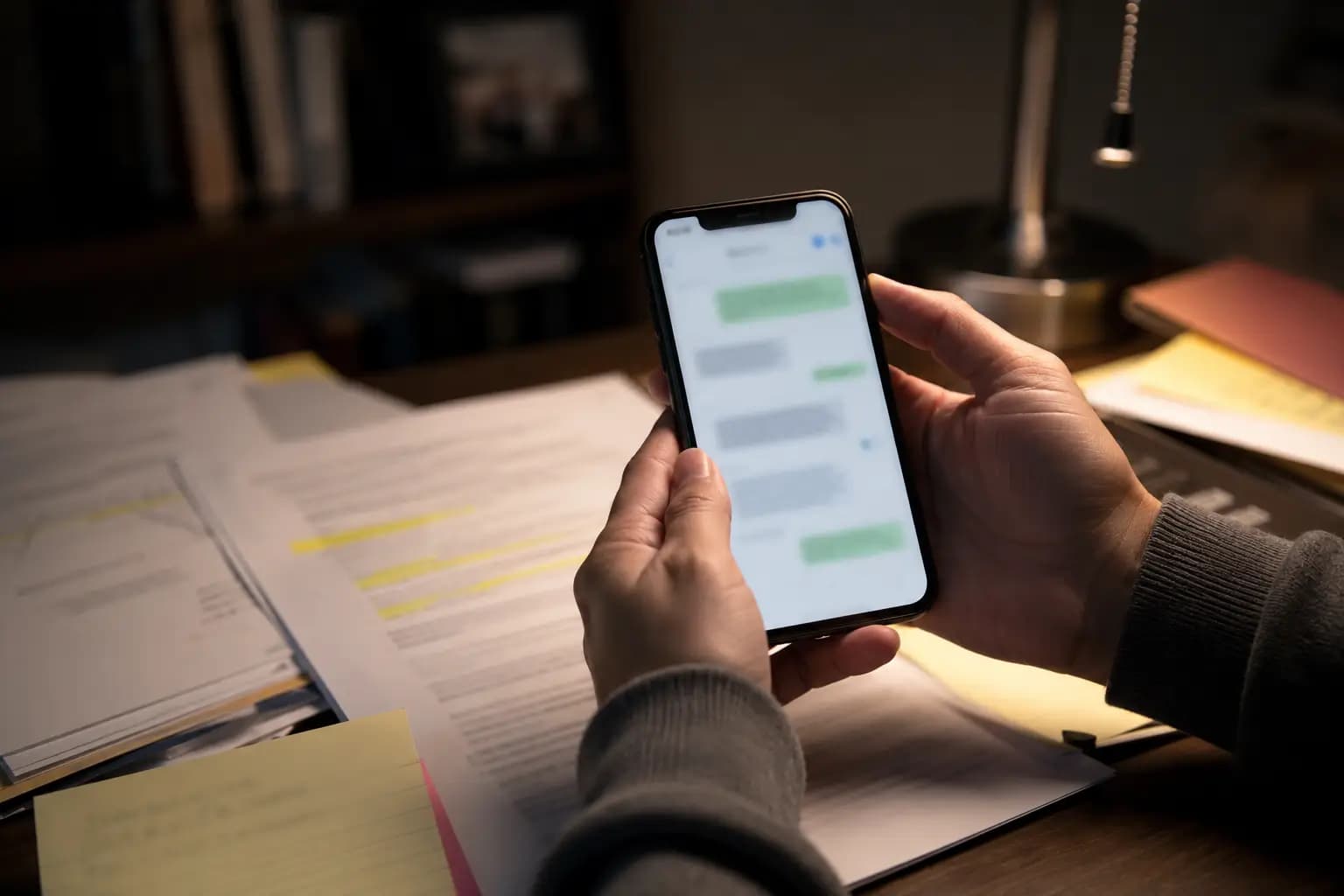
The new Notes feature is for the things parents often forget to organise until they need them. A screenshot of a message, an agreement with the other parent, a photo, a PDF or a short description of a situation can now be saved in DivKids under a specific date.
In the US, people may search for child support evidence or parenting time records. In the UK, parents may think about child maintenance, contact arrangements or CMS evidence. In Australia, parents may use terms like child support, parenting arrangements and family court records. The practical need is similar: keep clear records without turning your phone into a mess.
- Save screenshots from SMS, WhatsApp, Messenger or email.
- Record agreements with the other parent in plain language.
- Add photos, PDFs or documents when they matter.
- Write short factual notes without emotional language.
- Keep the note under the right date and child.
Good records are about order and chronology, not memory. This is also why organised evidence matters in child expense disputes, as explained in how to prove child expenses in family court.
Are your screenshots, receipts and notes spread across your phone?
DivKids gives you one private place for child expenses, parenting time and Notes, so you can return to facts by date, child and record type.
Better PDF reports
PDF reports are useful because they turn everyday records into a clear summary. DivKids reports have been improved so parents can review expenses, parenting time, notes and attachments in a more organised way.
A report does not guarantee how a lawyer, solicitor, mediator or court will treat the material. But it can make your records easier to read than loose receipts, random screenshots and handwritten notes.
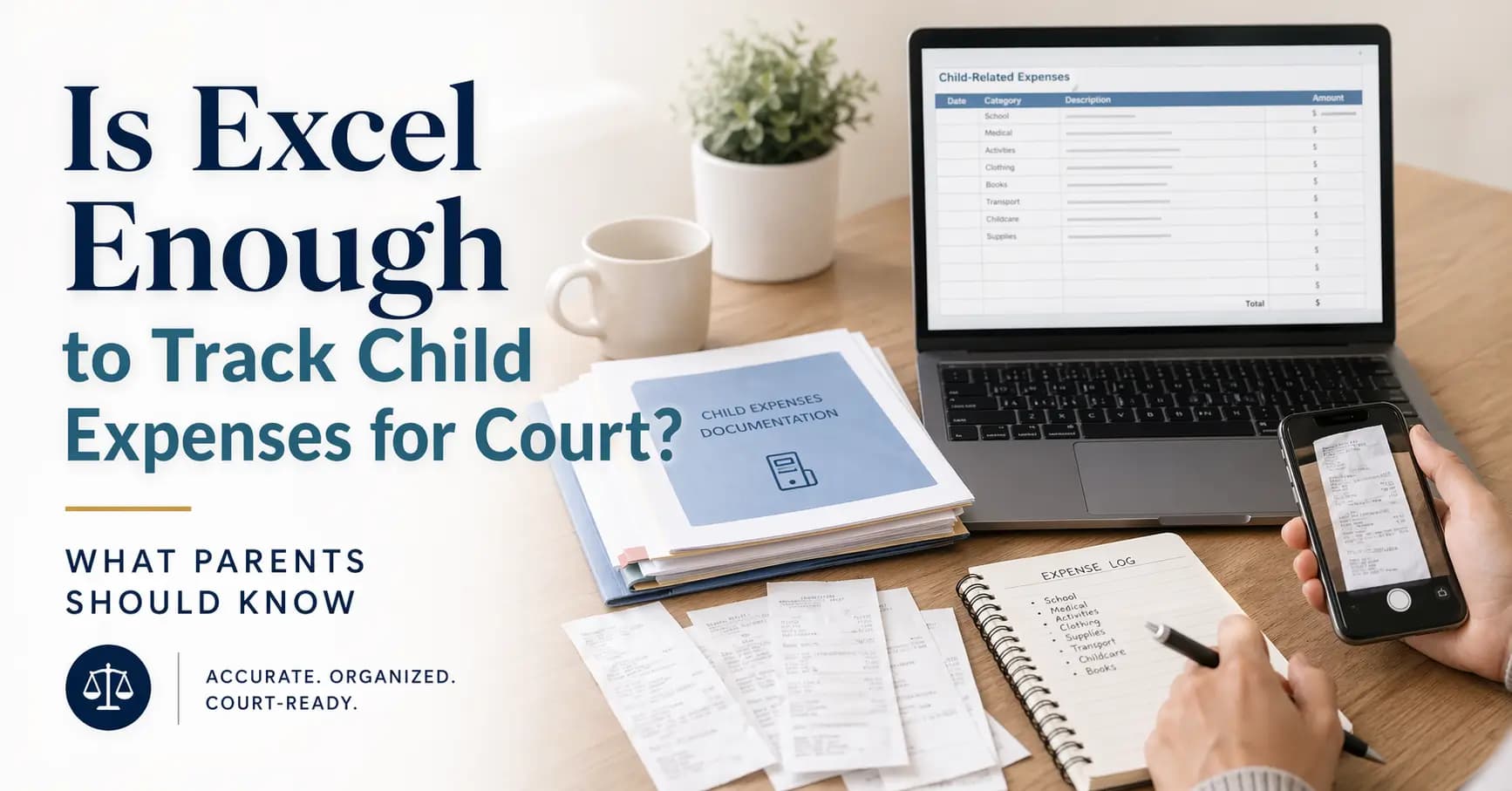
A month-by-month record with dates, totals and proof is usually easier to review than a spreadsheet without attachments. If you currently use Excel, this comparison may help: is Excel enough to track child expenses for court?
Easier mobile navigation
Most parents do not document family life while sitting calmly at a desk. They add receipts after shopping, screenshots after a conversation and notes after something important happens.
That is why the mobile menu has been improved. The core actions are easier to reach, especially when you need to add something quickly from your phone.
- Faster access to adding a new record.
- Easier movement between expenses, parenting time and Notes.
- More comfortable use on a small screen.
If your main problem is documenting contact time or missed visits, see how to track parenting time after divorce.
How it works in real life
The update is not about adding more work. It is about making the same small habit easier.
- After a purchase, add the amount, category, child and receipt photo.
- After parenting time, record the date, time, status and short note.
- After an important conversation, add a Note with a screenshot if needed.
- When a document arrives, save it as an attachment.
- When you need a summary, export a PDF report.
This is especially useful when a child support, child maintenance or custody discussion continues over several months. For receipt-related records, read are photo receipts accepted in family court?
Common mistakes
- Keeping message screenshots only in the phone gallery with no note or date.
- Waiting too long to write down what happened.
- Saving amounts without receipts, invoices or payment proof.
- Mixing expenses, parenting time and agreements in one messy file.
- Writing emotional descriptions instead of short factual notes.
- Waiting until a lawyer, solicitor or mediator asks for records before organising them.
For UK parents dealing with CMS or child maintenance, record quality can matter even more because deadlines and evidence requests can be stressful. See how to prove child expenses and hidden income for CMS variation.
How to handle it in practice
- Choose one place for your records. Do not split important facts between paper, gallery, email and spreadsheets.
- Log things as they happen. A short note today is better than trying to remember details months later.
- Attach proof when you have it. Receipts, screenshots, photos and PDFs make the record clearer.
- Use plain language. Write what happened, when it happened and why it matters for the child.
- Export reports regularly. This helps you check whether the history is complete.
For many parents, the biggest change is not legal. It is practical: stop relying on memory and start keeping facts in one place.
Key takeaways
- DivKids now supports 3 practical documentation areas: expenses, parenting time and Notes.
- Notes help parents save screenshots, agreements, photos, PDFs and important situations under a specific date.
- For expenses, record the amount, date, category, child and proof.
- For parenting time, record date, time, status and a short description.
- For Notes, focus on clear facts, not emotional arguments.
- Better PDF reports make it easier to review your records without searching through your phone.
- If you want to keep this organised as you go and have a clear report when needed, you can start with a free DivKids account.
Frequently Asked Questions
What are Notes in DivKids?
Can I use DivKids for child support or child maintenance records?
Is DivKids a shared co-parenting app?
Why are message screenshots useful for separated parents?