Try DivKids free for 7 days – no card needed.
7 days free. No card required. Cancel anytime.
When parents search for a parenting time tracker they usually want one simple thing. A clear record of real visits with a child that can be used as evidence if a dispute about custody or child support appears. DivKids is a parenting time tracker app and child expense tracker created exactly for that purpose.
Table of contents
- What is a parenting time tracker app
- Why parents track parenting time after divorce
- How the DivKids parenting time tracker works
- Track child related expenses in the same app
- Free parenting time tracker and pricing
- Who DivKids is for
- How to start with the DivKids parenting time tracker
- Key takeaways
What is a parenting time tracker app
A parenting time tracker app is a digital log where a separated or divorced parent records every visit that already happened. It is not a shared calendar for future plans. It is a private history of time that a parent really spent with a child.
In many legal systems judges and lawyers pay attention to real parenting time. They ask questions such as who takes the child to school, who spends weekends together, who cancels visits, who travels to see the child. When everything is only in messages and memory it is easy to create confusion. A parenting time tracker turns this into clear dates, times and neutral notes.
DivKids works exactly in this way. You log each meeting with your child, mark how long it lasted, set the status to 'happened’ when the visit took place or 'cancelled’ when the other parent called it off, and attach optional photos. Over months this becomes a structured parenting time log and visitation log that you can export as a professional PDF report.
Why parents track parenting time after divorce
Many parents start tracking parenting time only after a painful experience. For example the other parent tells a lawyer that visits almost never happen, that the child is always with one side or that the paying parent does not care. Without documentation it is very hard to answer these claims.
A parenting time tracker helps in several concrete situations.
- Custody and access disputes. When one parent claims that the other parent is not involved a parenting time log shows the real pattern. The report lists dates, hours and overnights instead of emotional statements.
- Child support changes. In some countries and states the amount of support depends on how much time a child spends with each parent. If parenting time increases or decreases, a clear log can support a request to review support.
- Protection against false accusations. If the other side says that a parent does not show up or cancels all visits, a visitation log with statuses and reasons gives a different picture.
- Personal peace of mind. Many parents feel calmer once everything is written down. They no longer repeat the same arguments in messages. They simply say everything is in my parenting time log and let the facts speak.
Family court guides in countries such as the United States, the United Kingdom or Ireland often recommend keeping a written record of contact and parenting time. Public information pages explain that a parent should record dates, times, cancellations and reasons so that a judge can see a long term pattern rather than two different stories about the same months.
How the DivKids parenting time tracker works
DivKids is a private web app for a single parent. You do not share your account with the other parent. You create a secure space where your parenting time and child related expenses are collected in one place and can be turned into court ready reports when needed.
Log real meetings with your child
In DivKids every meeting with a child becomes one structured entry in your parenting time tracker. You can log both single day and multi day visits.
- Choose one or more children for each visit.
- Set the date, start time and end time.
- Optionally describe the contact type, for example regular visit, overnight, holiday or video call, in the note field.
- Set the status to 'happened’ when the visit went ahead or 'cancelled’ when the other parent called it off.
- Add a short neutral note if something important happened for example late arrival or missed pick up.
You can also attach calm photos from the visit. These photos are not for social media. They are quiet proof that time together really happened and that the child was safe and relaxed.
Build a parenting time log and visitation log
All entries appear in a clear timeline. You can switch between months and years, filter by child or contact type and see how parenting time changes over time. DivKids calculates totals such as number of visits, number of overnights and total hours with the child in a selected period.
For more difficult cases DivKids keeps a separate view of cancelled or missed visits. You can see who cancelled, how often and what reasons were recorded. This list can be very important in high conflict custody cases.
Generate court ready parenting time reports
When a lawyer or court asks for documentation you can choose any date range and export a parenting time report as a PDF file. The report includes:
- a clear description of the period for example from 1 January 2025 to 30 June 2025,
- a summary line with total days, overnights and hours of parenting time,
- a detailed table of each visit with date, times, type and status,
- a list of cancelled visits and reasons when relevant.
The layout is designed to be easy to read for judges and lawyers. It focuses on dates and numbers, not on long emotional text. You can print the report or send it securely to your legal representative.
Child profiles and private notes
Inside DivKids you create a profile for each child. The profile can include a name, year of birth and optional avatar photo. You can also add private notes that help you remember important details. These notes are only for you and do not appear in exported reports unless you choose to include them.
Privacy first design
DivKids does not try to be a social network or a shared co parenting chat. It is a private evidence system for one parent. This means:
- Each parent has a separate account and data set.
- You decide which reports and documents to share and when.
- Data is stored in the cloud with backups so a broken phone does not remove your history.
- The interface is available in several languages including Polish, English and German and supports different currencies.
Track child related expenses in the same app
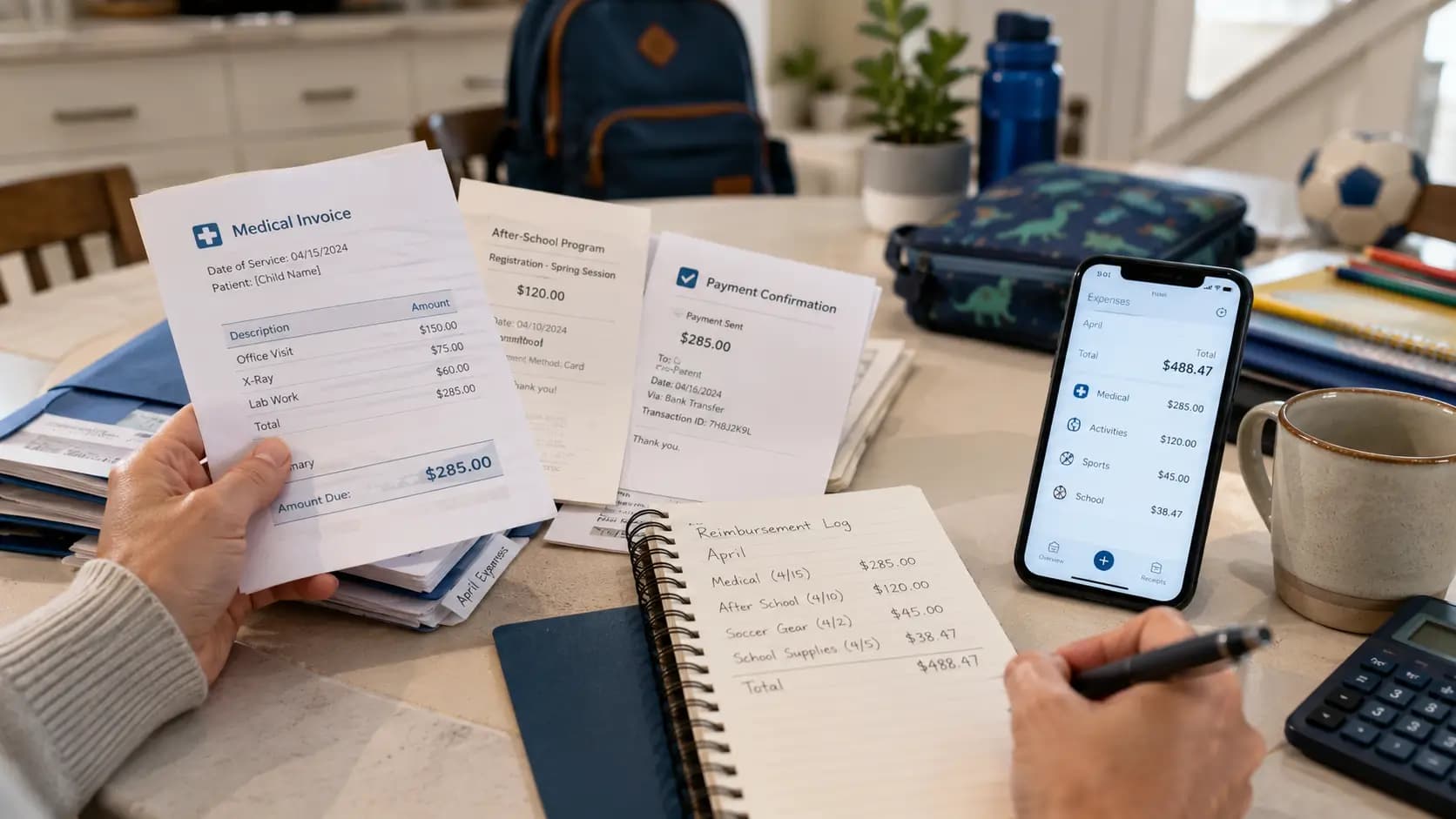
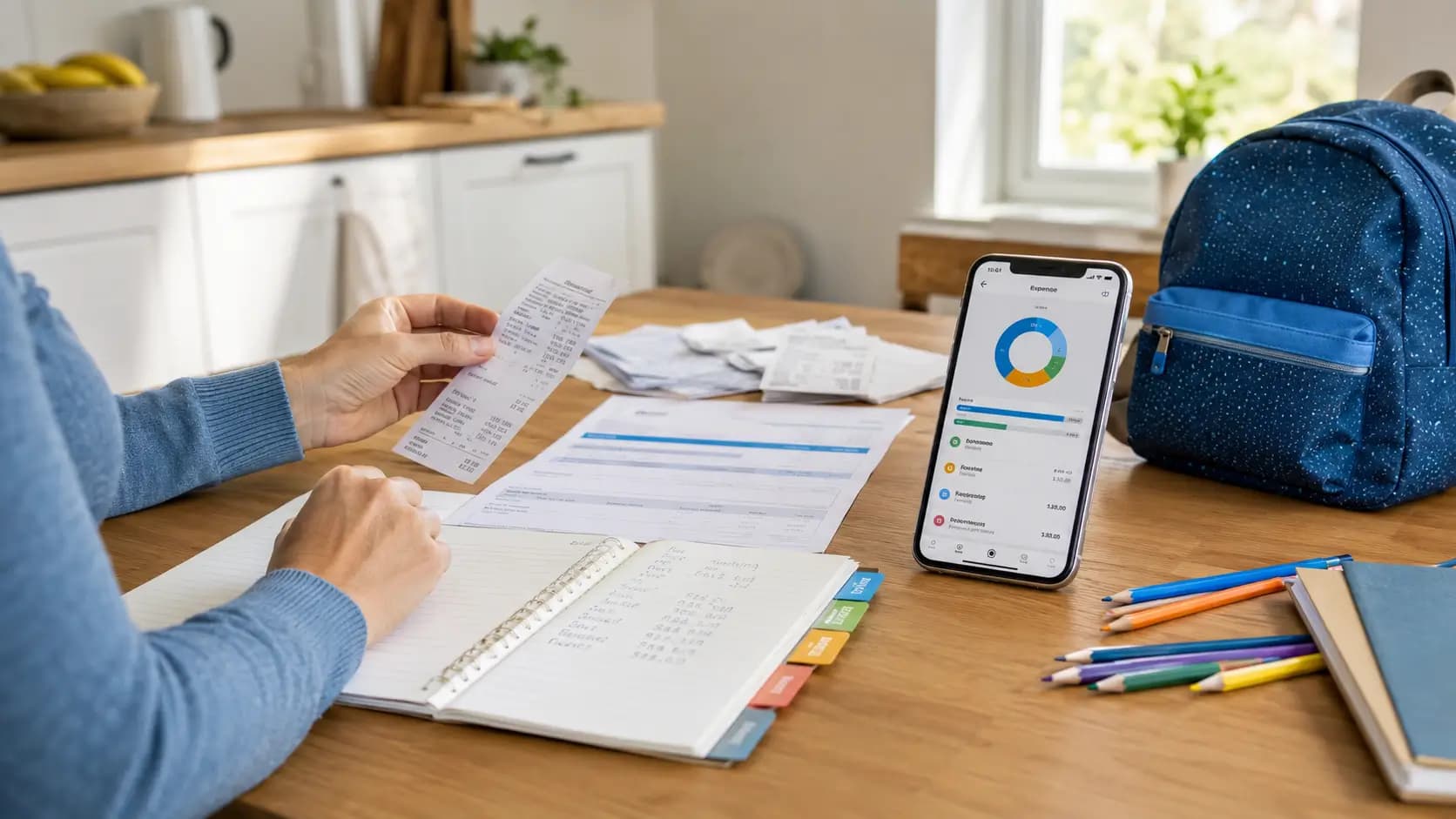
Parenting time is only one side of the story. The other side is money. Courts and child support agencies often ask for documentation of real child related expenses such as food, clothes, medicine, school fees, activities and travel. DivKids was originally built as an expense tracker for child related costs and this part of the app remains a core feature.
In the expenses section you can:
- Take photo receipts for every child related payment.
- Assign a category such as food, clothes, health, school, sport or transport.
- Link each expense to one or more children.
- See statistics that show where most of the money goes over months and years.
- Export PDF reports with totals per category and per child.
Because parenting time and expenses live in the same system you can show a judge or lawyer a full picture. On one side time and care recorded in your parenting time tracker. On the other side money documented with receipts and structured reports. This combination is often much stronger than either element alone.
If you want to learn more about documenting child expenses for court you can read public guides from family courts or organisations that support single parents. Many of them recommend keeping receipts, categorising costs and preparing clear summaries. DivKids helps you follow exactly these best practices in a simple way.
Free parenting time tracker and pricing
Many parents search for a free parenting time tracker because they are already under financial pressure. Legal fees, housing costs and daily life with children all cost money. DivKids respects this reality.
You can start with a free trial version of the app and test real tracking with your own data. During the trial you can log parenting time, add expenses and generate test reports. There is no risk and no long term contract.
If you decide to stay with DivKids after the trial the price is intentionally low. The standard plan costs less than a few units of local currency per week. In many countries this is less than a single coffee or snack outside the home. One well prepared hearing or one successful change in child support can be worth hundreds or thousands. In this context a low cost tracker that protects your evidence often pays for itself very quickly.
Who DivKids is for
DivKids is not a generic co parenting chat. It is a focused tool for parents who need private documentation. It fits best if you recognise yourself in at least one of these situations.
- You are a separated or divorced parent and want a calm parenting time log that you can use later if needed.
- The other parent often cancels visits or arrives late and you want a neutral record of what really happens.
- You pay significant child related expenses and want to keep them organised with photo receipts and statistics.
- Your lawyer or a support organisation told you to track parenting time and expenses but spreadsheets or notebooks feel overwhelming.
- You prefer a private evidence system that you control instead of a shared co parenting account.
DivKids may be less useful if both parents have a very friendly relationship, no risk of court and no need for formal documentation. In those calm situations a normal calendar and a simple household budget tool can be enough.
How to start with the DivKids parenting time tracker
Getting started with DivKids does not require advanced technical skills. Most parents are ready to log the first visit in a few minutes.
Step 1 Create your private account
Open the DivKids web app in your browser. Choose your language and register with your email address. This account is for you only. The other parent does not see your dashboard or reports.
Step 2 Add your children
Add each child with a name and basic information. You can upload an avatar photo if that feels good but it is optional. From this moment every visit and every expense can be linked to a specific child or to more than one child when you spend time together.
Step 3 Log the next visit
After the next meeting with your child open DivKids and add a new parenting time entry. Select the child, set the date and times, set the status to 'happened’ or 'cancelled’ and use the note to describe the contact type and any important details. If something unusual happened write a short neutral note. This single entry is the first step in your long term parenting time log.
Step 4 Build a habit with very small steps
Lasting value comes from consistency. A good rule is to update your parenting time tracker on the same day as each visit. It takes one or two minutes. Over weeks and months this becomes a powerful history that you cannot rebuild later from memory.
Key takeaways
- A parenting time tracker is a private log of real visits with a child after separation or divorce. It is different from a shared calendar for future plans.
- Good parenting time records help in custody disputes, child support reviews and in protection against false accusations about contact.
- DivKids is a parenting time tracker app and child expense tracker in one place. It was built as a private evidence system for one parent.
- You can log every visit, cancelled visit and expense, then export court ready PDF reports with clear summaries and tables.
- The app is available in several languages and is intentionally low cost so that most parents can afford to use it long term.
If you are a separated parent and currently save visits in random notes or screenshots, consider moving to a structured parenting time tracker. DivKids helps you document both time and money for your child in one organised place so that you can focus your energy on the child instead of on paperwork.
Frequently Asked Questions
What is a parenting time tracker app?
Is DivKids a free parenting time tracker?
How can I use a parenting time tracker in court?
Does DivKids also track child related expenses?
How is DivKids different from co parenting apps?