Your ex claims you „barely see the kids.” You know that’s not true—you’ve had them every other weekend, plus Wednesday nights, just like the agreement says. But when you’re sitting across from a mediator or standing in front of a judge, „I know what I did” isn’t enough. Memory doesn’t count. Records do.
A parenting time log turns your word into proof. It shows exactly when you had your children, for how long, how many overnights, and what happened when plans changed. This guide shows you how to build private, court-ready visitation records using the DivKids application: track every visit with dates and times, log overnights and cancellations, add optional photos for context, and export clean PDF reports whenever you need them.
What you’ll learn:
- Why parenting time tracking protects you
- What to log: dates, times, overnights, and cancellations
- Best practices for credible records
- Using photos and notes effectively
- Monthly summaries that reveal patterns
- Creating court-ready PDF reports
- Real example: How a log proved 45% custody time
- Five mistakes that weaken your records
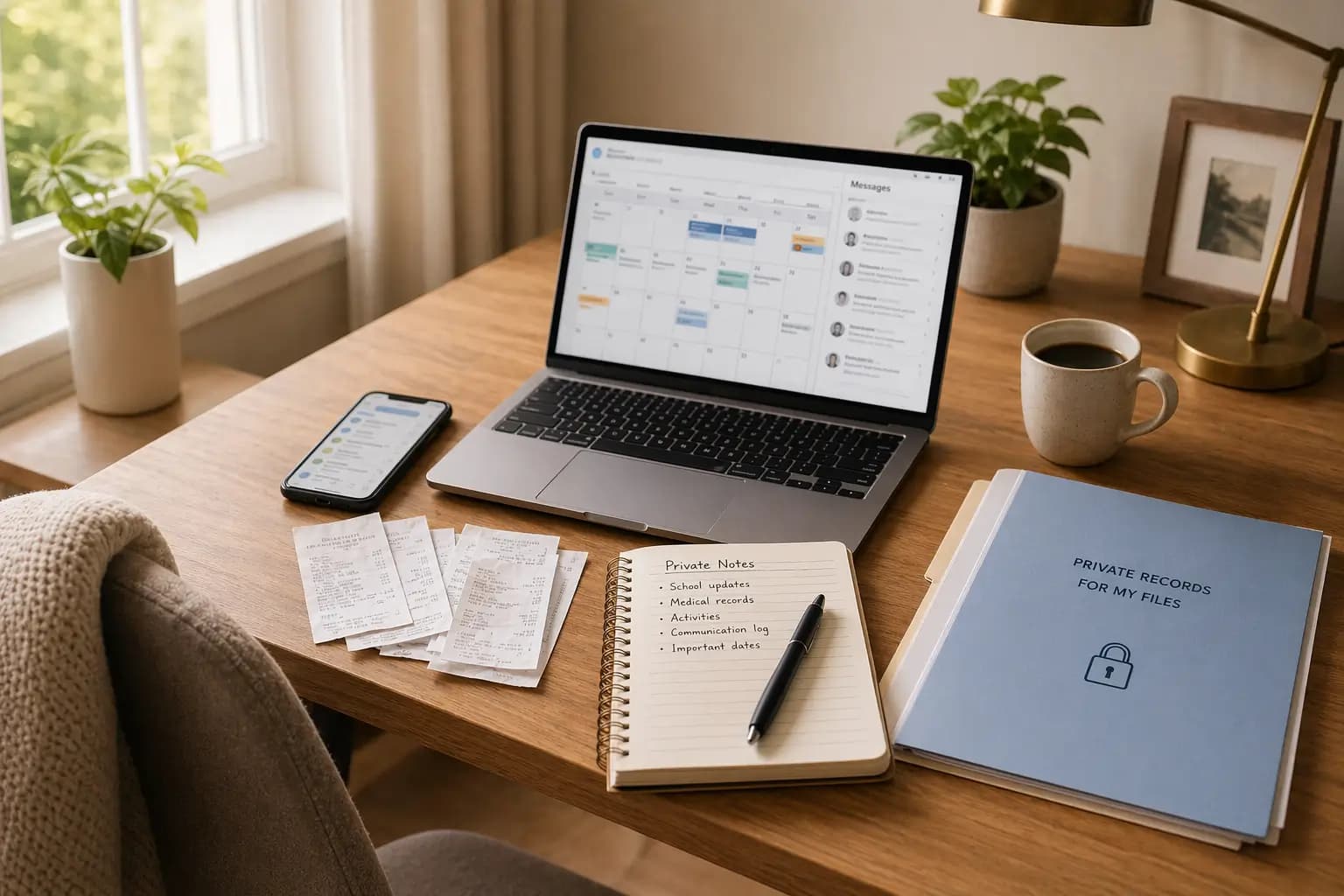
- Why your logs should stay private
Why parenting time tracking protects you
Parenting time isn’t just about schedules. It affects custody arrangements, support calculations, and—when disputes arise—who gets believed. According to family law data, disagreements over actual time spent with children are among the most common sources of post-divorce conflict, often requiring court intervention to resolve.
Without documentation, cases become „he said, she said.” One parent claims 80/20 custody split. The other insists it’s closer to 50/50. The judge has no way to know who’s telling the truth. Memories differ. Texts get deleted. Calendars get lost.
A consistent parenting time log eliminates ambiguity. When you can show a judge or mediator six months of documented visits—dates, times, overnights, cancellations—your credibility increases immediately. The data speaks for itself.
What makes a good parenting time log:
- Consistent entries (not just the weeks before court)
- Specific dates and times (not estimates or ranges)
- Documented overnights (courts often calculate custody by overnights)
- Neutral notes about changes (facts, not complaints)
- Professional presentation (structured report, not random notes)
What to log: dates, times, overnights, and cancellations
In DivKids, each parenting time entry captures the essential information courts and mediators want to see:
Date and times
Record the start and end of every visit. Example: „Picked up Friday 6:00pm, returned Sunday 5:30pm.” Be specific. „Weekend visit” is vague. Exact times show you’re organized and accurate.
Overnight stays
Courts often use overnights to calculate custody percentages and support. Count them clearly: „2 overnights this visit (Friday night, Saturday night).” Over a month, these numbers add up to show your actual custody time—not what was agreed on paper, but what actually happened.
Visit status
Mark each visit as completed or cancelled. If you cancelled, note why (briefly): „Work emergency, rescheduled to following weekend.” If your ex cancelled or didn’t show up, record that too: „Scheduled pickup 9am, other parent did not arrive. Called at 9:30am, no response.”
Late pickups and drop-offs
Patterns matter. One late pickup is life. Six late pickups in two months is a pattern. Record them: „Pickup scheduled 6pm, arrived 7:15pm.” Over time, consistent lateness affects credibility and can influence custody decisions.
Child assignment
If you have multiple children and they have different custody schedules, assign each visit to the correct child. This keeps your records accurate for any custody modifications or support calculations.
Best practices for credible records
Log same-day or next morning. Don’t wait a week. Memory fades and details blur. Right after a visit or cancellation, open DivKids and add the entry. Takes 60 seconds.
Use consistent language. Don’t call something „cancelled” one month and „didn’t happen” the next. Pick standard terms: completed, cancelled, late pickup, late drop-off. Consistency makes your records look professional.
Keep notes factual and brief. Bad note: „Ex was being difficult again, ruined the whole weekend.” Good note: „Pickup 30 minutes late. Child returned with homework incomplete.” Facts beat feelings. Always.
Don’t edit history casually. If you made a typo in the date, fix it. But don’t change facts retroactively. If you logged something wrong, add a note explaining the correction. Credibility depends on accuracy.
Track your actual time, not the agreement. Your custody order says every other weekend. But what if your ex asks you to take the kids an extra night twice a month? Log what actually happens. That extra time counts, especially if support becomes an issue later.
Using photos and notes effectively
Photos are optional but can add helpful context. Use them to document:
- Pickup or drop-off locations (school, home, activity)
- Activities during your time (park, homework, dinner together)
- Special moments (birthday celebration, school event you attended)
Keep photos appropriate and neutral. You’re not trying to „prove” you’re a better parent. You’re documenting your involvement. A simple photo of you helping with homework or at a soccer game shows active parenting.
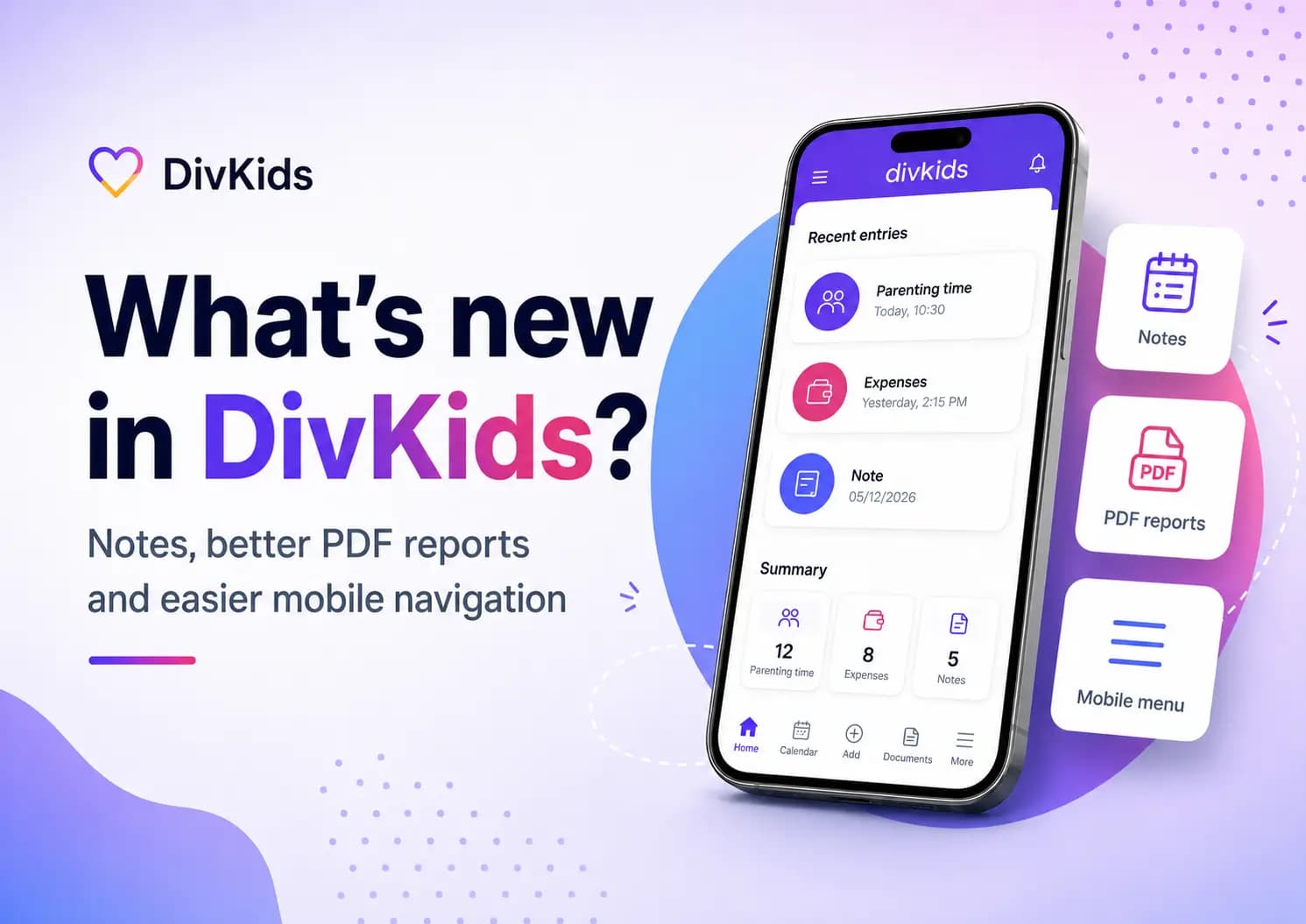
In DivKids, you attach photos to the visits you choose. They stay completely private in your account until you export a report and decide to include them.
Monthly summaries that reveal patterns
Individual entries tell daily stories. Monthly summaries tell the bigger picture. DivKids automatically calculates:
- Total visits: How many times you saw your child
- Completed vs. cancelled: Percentage of visits that happened vs. didn’t
- Total overnights: Your actual custody percentage for the month
- Late events: Number of late pickups or drop-offs
These summaries make patterns obvious without lengthy explanations. Over six months, you see trends emerge:
Example monthly pattern:
- January: 8 visits, 14 overnights (45% custody time)
- February: 7 visits, 13 overnights (46% custody time)
- March: 8 visits, 15 overnights (48% custody time)
Your ex claims you have the kids „maybe 20% of the time.” Your log shows 45-48% consistently. Numbers don’t lie.
Creating court-ready PDF reports
When you need to show your records—for mediation, court, or a conversation with your lawyer—DivKids compiles your selected time period into a clean, professional PDF report:
What the report includes:
Header with summary: „Parenting Time Report: January 1 – June 30, 2024. Total visits: 47. Completed: 44. Cancelled by other parent: 3. Total overnights: 87 (46% of available nights).”
Calendar view: Visual month-by-month display showing which days you had your child. Easy to scan, easy to understand.
Itemized list: Each visit with date, start/end times, overnights, status, and any notes. If you’ve attached photos, you can choose to include thumbnails in the PDF.
Monthly totals table: Overnights per month, percentage of time, and completion rates. Shows consistency over time.
The entire process takes seconds. Select your date range, choose which child (if you have multiple), click „Download PDF.” Three seconds later, you have a professional document ready to email your lawyer or present in court.
Real example: How a log proved 45% custody time
Sarah, a divorced mother of one (age 9), had been following her custody agreement carefully: alternating weekends plus Wednesday overnight each week. Her ex filed a motion claiming Sarah „rarely exercised her full custody time” and requested a modification to reduce her time with their daughter.
Sarah had been using DivKids for seven months. Every visit was logged: pickup and drop-off times, overnights, the few times she’d asked her ex to take an extra night due to work travel, and the several times her ex had cancelled or been significantly late for pickups.
When her lawyer asked for documentation, Sarah exported a PDF covering those seven months:
- Total visits logged: 62
- Completed by Sarah: 59 (95%)
- Cancelled by Sarah: 3 (work travel, with advance notice)
- Cancelled by ex: 4 visits
- Total overnights: 98 out of 217 available = 45% custody time
- Late pickups by ex: 11 documented instances (ranging from 20 minutes to 2 hours late)
The report showed a clear pattern: Sarah consistently exercised her custody time, rarely cancelled, and when she did, gave advance notice and rescheduled. Her ex’s claim that she „rarely” had the child was demonstrably false.
During mediation, Sarah’s lawyer presented the PDF. The opposing attorney reviewed the seven months of documented visits, saw the consistency and professionalism of the records, and realized the claim wouldn’t hold up in court. The case settled without trial. Sarah’s custody time remained unchanged.
Time spent tracking: ~2 minutes per week over 7 months. Cost saved by settling before trial: estimated $6,000-$10,000 in legal fees. More importantly, Sarah protected her relationship with her daughter without a bitter court fight.
Five mistakes that weaken your records
1. Logging too late. Waiting days or weeks to enter visits makes your records look reconstructed and unreliable. Courts question late entries. Log same-day or next morning, every time.
2. Mixing facts with emotions. „Ex was being unreasonable about pickup time again” is opinion. „Pickup scheduled 6pm, arrived 6:45pm” is fact. Keep notes objective and neutral.
3. Incomplete overnight counts. Forgetting to mark overnights or being inconsistent about how you count them breaks your monthly totals. One overnight = child slept at your home that calendar night. Be precise.
4. Using screenshots instead of reports. A screenshot of your phone calendar or a text thread doesn’t look professional. Export a structured PDF. Presentation matters in court.
5. Starting to track right before court. One month of logs looks suspicious. Six months shows you’ve been organized and consistent all along. Start tracking now, even if everything is calm.
Why your logs should stay private
Some co-parenting tools force both parents to use the same system, seeing each other’s entries in real-time. That creates problems: your ex questions every entry as you make it, small disagreements escalate immediately, and your private notes become ammunition.
DivKids takes a different approach: your account, your data, your control. You track your parenting time privately. The other parent never sees your account, can’t edit your entries, and can’t use your notes against you in real-time.
When you’re ready—for mediation, for court, for your lawyer—you export a PDF with exactly what you want to share. Filter by date range, by child, by specific months. You control the disclosure completely.
Start tracking today
You don’t need to wait for a dispute to start documenting. In fact, starting now—while things are calm—is the smartest move. Build a habit of logging your time with your child. It takes two minutes after each visit. Over months, you build a record that protects you if things get difficult later.
Quick start steps:
- Create your DivKids account and add your child’s profile
- Log your last visit: date, times, overnights, any notes
- Set a reminder to log right after each pickup and drop-off
- After one month, export a sample PDF to see the format
- Keep logging consistently—every visit, every week
Try DivKids. Build your parenting time log today. Document your involvement, protect your custody time, and have professional records ready whenever you need them. Start tracking now and keep your parenting time documented and secure.
This article provides general information only and does not constitute legal advice. Family law varies by jurisdiction. For questions about your specific situation, consult a qualified family law attorney in your area.
Frequently Asked Questions
What should I include in a parenting time log?
Do I need to add photos to my parenting time log?
Can I export parenting time reports for specific date ranges?
Will my ex see my parenting time entries?
How soon should I log a visit after it happens?