You bought shoes for your daughter. $54. You kept the receipt. Three months later, your ex questions it. „Prove you actually paid for those.”
If all you have is a faded paper receipt stuffed in a drawer—or worse, just a bank statement line that says „RETAIL STORE #8421″—you’re in trouble. Courts need more than that.
The good news? A clear photo receipt, properly documented, can be just as valid as the original paper. The key is knowing what judges and mediators actually look for.
This guide shows you how to turn photo receipts into court-ready proof using the DivKids application. You’ll learn what makes a receipt photo credible, how to capture them properly, how to organize them by category and child, and how to export a clean PDF that’s easy to review and hard to challenge.
What you’ll learn:
- What courts actually expect from receipt evidence
- How to photograph receipts so they hold up
- Handling digital receipts and email confirmations
- No receipt? Practical ways to document cash payments
- Organizing receipts by category and child
- Building your court-ready PDF report
- Case study: How Alicia documented $4,680 and settled her dispute
- Five mistakes that weaken receipt evidence
- Why your receipt records should stay private
What courts actually expect from receipt evidence
Judges and mediators don’t have time for guesswork. They need verifiable, readable proof that connects a purchase to your child’s needs.
What makes a receipt photo credible:
Vendor name visible. They need to know where you bought it. „Target” or „Walgreens” is clear. „RETAIL #8421” is not.
Date clearly shown. Month, day, year. No ambiguity about when the purchase happened.
Line items legible. What did you actually buy? „Nike Air sneakers – youth size 5” is specific. „Merchandise” is not.
Total amount visible. The final price you paid, including any tax.
Brief note connecting it to your child. Example: „Sarah—PE sneakers for gym class.” This context matters when someone questions why you bought something.
Consistent categories. Medical, School, Childcare, Clothing, Activities, Transportation, Food during custody time. Using the same categories month after month makes your totals comparable and trustworthy.
Regular logging. Not a rushed collection the week before court. Consistent entries over months show you’ve been organized all along.
Procedures vary by jurisdiction. For practical guidance, see how to submit documents for family law hearings (California Courts) or review Family Procedure Rules (UK Courts). The principle is universal: clarity and consistency win.
How to photograph receipts so they hold up
A blurry or partial receipt photo gets challenged immediately. Good documentation prevents those challenges.
Your receipt photo checklist:
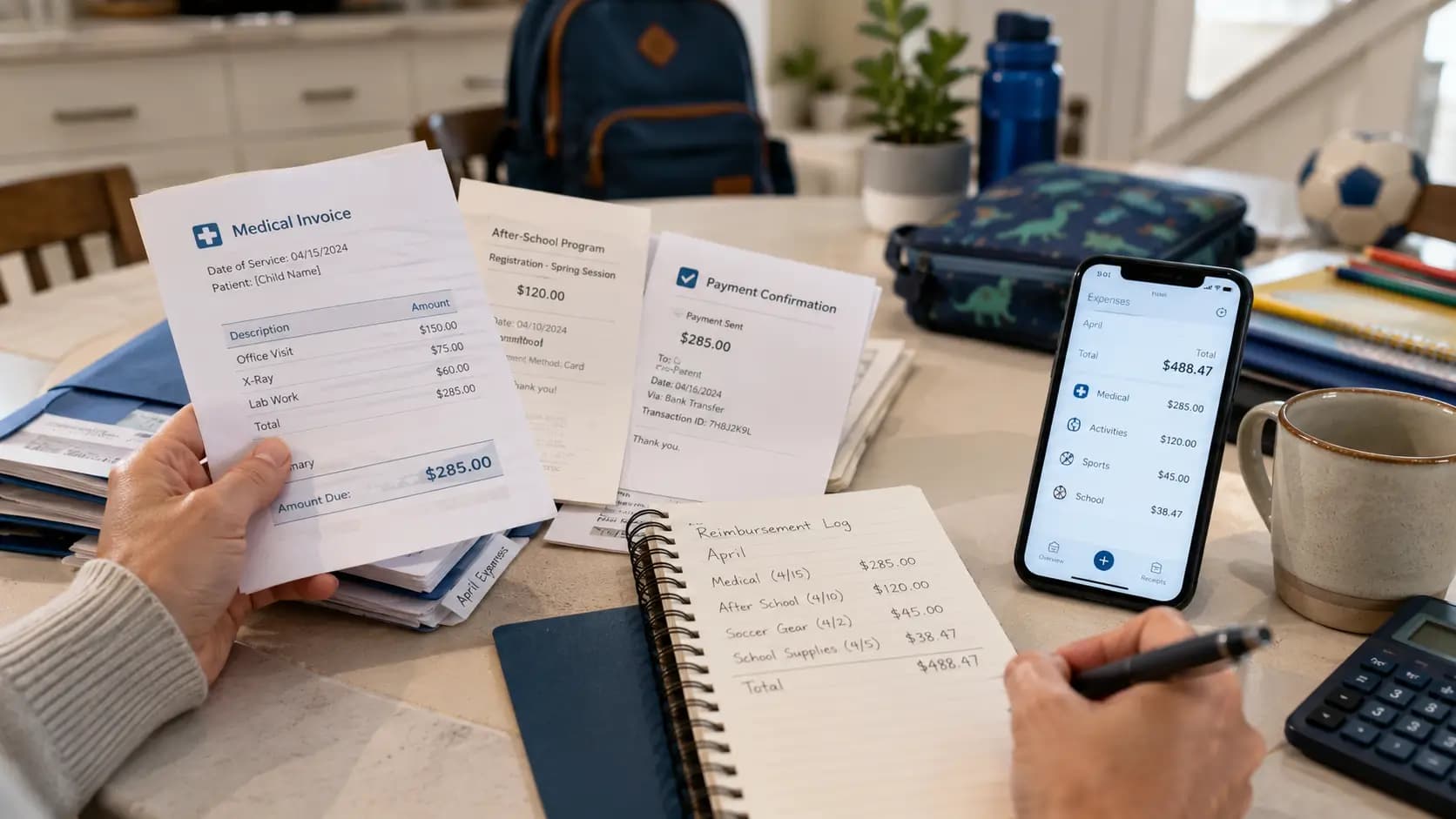
Step 1: Capture the entire receipt. Include vendor name, date, all line items, and total. If the receipt is long, take two overlapping photos rather than missing information.
Step 2: Use a flat surface and good lighting. Lay the receipt on a table. Photograph from directly above. Use natural daylight or a bright desk lamp. Avoid shadows across the text and camera blur.
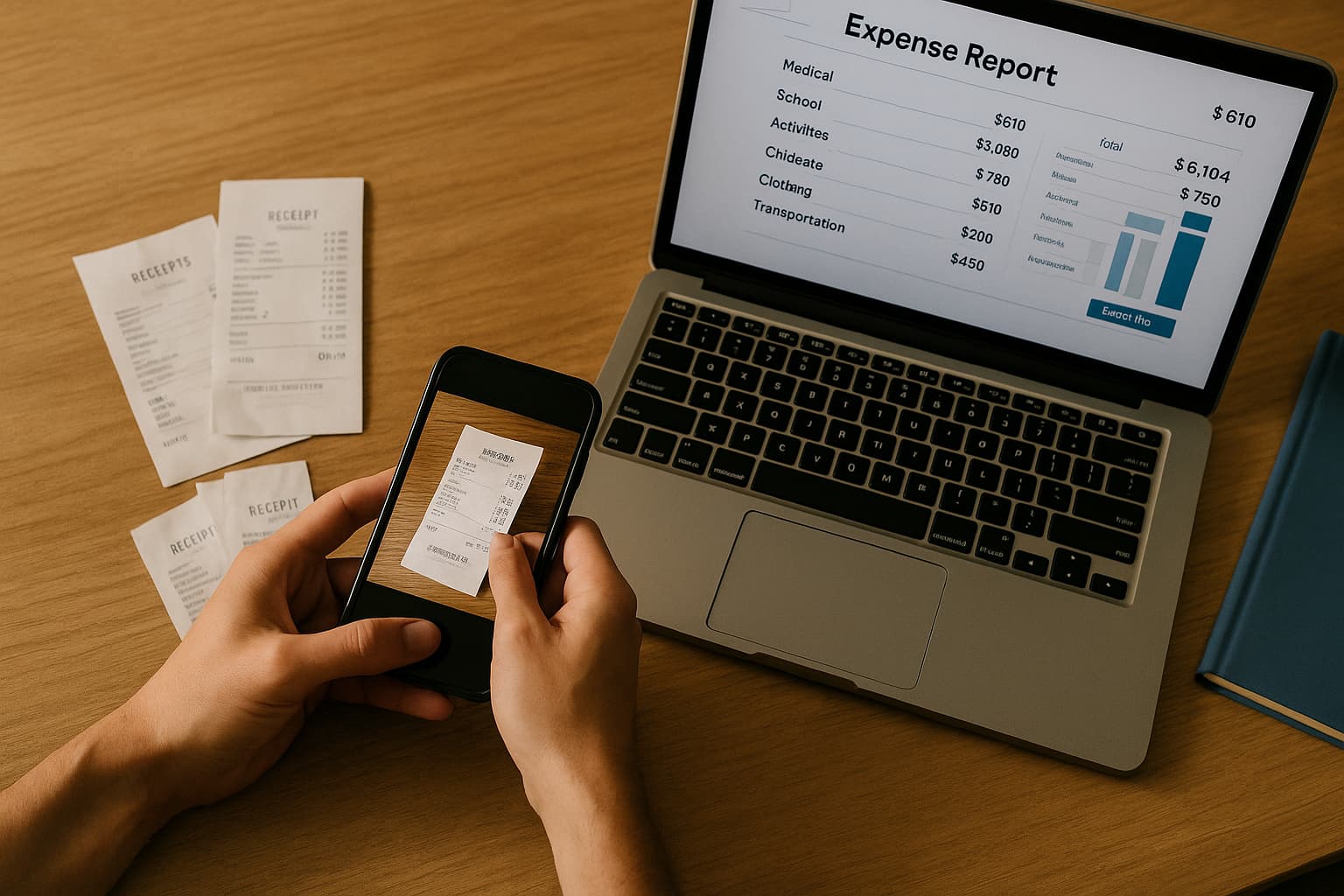
Step 3: Add the entry immediately. Right after purchase, while details are fresh. Open DivKids, snap the photo, add the amount and a brief note. Takes 90 seconds.
Step 4: Keep the paper copy if possible. Store receipts by month in a simple envelope. Digital is your primary record, but having the original as backup never hurts.
Examples of expenses with strong receipt photos:
Medical expenses: Pediatric visit copay $30, pharmacy prescription $26, therapy session invoice $95, dental cleaning $75.
School expenses: Backpack and school supplies $85, science lab fee $40, field trip permission with fee $25, class yearbook $35.
Activity expenses: Soccer league registration $180, cleats and shin guards $65, weekly piano lesson $40, swim team dues $95.
Clothing expenses: Winter coat $72, PE sneakers $54, school uniform polo shirts $45.
Childcare expenses: After-school program monthly fee $320, occasional evening babysitter $80, summer camp deposit $400.
Handling digital receipts and email confirmations
Many purchases today—online orders, clinic appointments, activity registrations—generate digital receipts instead of paper.
How to handle digital receipts:
Screenshot the confirmation. Capture the part showing vendor, date, items purchased, and total amount. Make sure it’s readable.
Add a clear note. Example: „School lunch card reload—online payment” or „Orthodontist consultation—scheduled via email.”
Crop unnecessary information. Remove unrelated personal data or promotional content. Keep just the transaction details.
Attach to the entry in DivKids. Same process as paper receipts—add the expense, attach the digital proof, note the purpose.
Digital receipts are just as valid as paper when they show the same essential information: who, when, what, how much.
No receipt? Practical ways to document cash payments
Sometimes you don’t get a receipt. You paid cash at a school event. The small business didn’t offer one. The receipt faded to blank thermal paper.
Don’t skip documentation. Do what you can:
Create the entry anyway. Add the date, exact amount, category, and a factual note. Example: „Cash—school carnival tickets $40” or „Cash—haircut for Jake $25.”
Add context photos when possible. Take a photo of the item, the provider’s sign, an appointment card, anything that confirms the expense was real.
Attach any available confirmation. Text message from the provider. Booking email. Bank withdrawal from the same day and location that matches the amount.
Be consistent with your method. One cash entry without proof? Not fatal. Ten cash entries with no supporting evidence? That’s a credibility problem. Document the same way every time.
One missing receipt won’t sink your case. A pattern of missing documentation might.
Organizing receipts by category and child
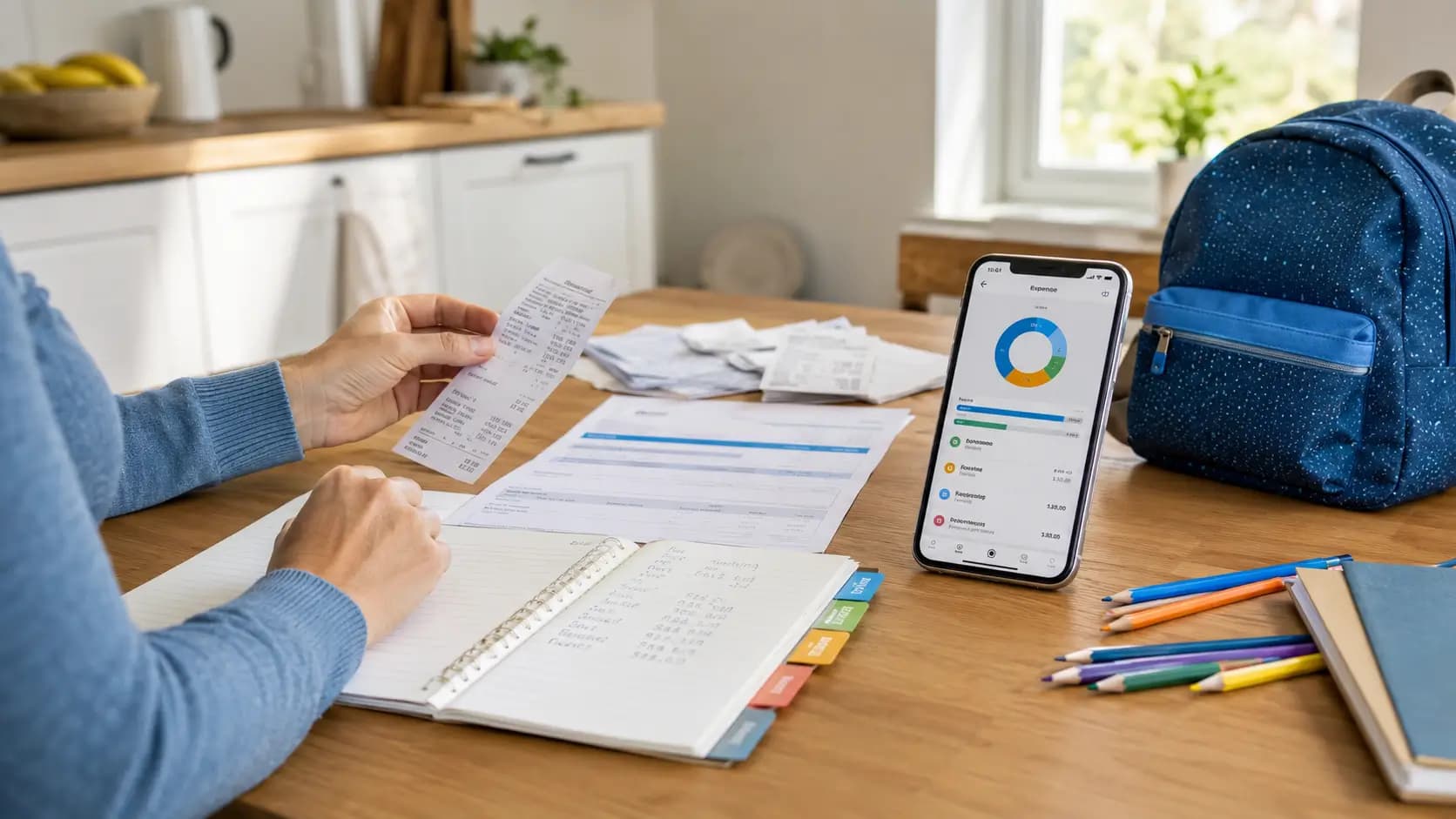
A pile of 100 receipt photos is overwhelming to review. Organization turns that pile into clear, defensible evidence.
In DivKids, every entry gets two critical tags:
Category: Medical, Education, Childcare, Activities, Clothing, Transportation, Food during custody time. Use the same categories month after month. Consistency makes your monthly totals comparable.
Child assignment: Which child benefited from this expense? If you have two kids with different custody schedules, this is essential for accurate reporting and support calculations.
Why organization matters:
Without it: „I spent money on the kids.” Vague, unverifiable, weak.
With it: „I spent $4,440 over six months. Medical: $610. Education: $1,040. Childcare: $1,280. Here are the receipts by category.” Specific, organized, credible.
Example: Six-month expense breakdown for one child
- Medical: $610 (9 entries with receipt photos—doctor copays, prescriptions, dental visit)
- Education: $1,040 (school supplies, registration fees, class materials, field trips)
- Childcare: $1,280 (after-school program for 4 months at $320/month)
- Activities: $780 (soccer registration, equipment, music lessons)
- Clothing: $520 (seasonal purchases, school uniforms)
- Transportation: $210 (bus passes, parking for school events)
Total: $4,440 with clear categories and receipt photos for nearly every transaction.
DivKids filters let you export exactly what you need. Medical expenses only? January through June? Both children, all categories? You control what goes into each report.
Building your court-ready PDF report
All the receipt photos in the world don’t matter if you can’t present them clearly.
In DivKids, you select your date range, choose which child and categories to include, then download a polished PDF in seconds.
What a strong PDF report contains:
Header with summary: „Child Expenses Report: January 1 – June 30, 2024. Child: Sarah Martinez. Total: $4,440.”
Category breakdown upfront: Table showing Medical $610, Education $1,040, Childcare $1,280, Activities $780, Clothing $520, Transportation $210. Totals at a glance.
Itemized list below: Each expense with date, description, amount, your brief note, and an indicator that a receipt photo is attached and available for review.
Clean, professional layout: Not screenshots of your phone. Not handwritten notes. A formatted document that looks organized and credible.
Share this PDF with your attorney. Bring it to mediation. Submit it according to your court’s filing requirements. You control the disclosure—nothing more, nothing less than what’s relevant.
Case study: How Alicia documented $4,680 and settled her dispute
Alicia is a divorced mother of one, age 9.
Her ex filed a motion claiming Alicia spent „almost nothing” on their daughter during her custody time. He wanted a significant reduction in his support payments based on this claim.
Alicia knew that wasn’t true. She’d been covering medical copays, school expenses, after-school care, soccer fees, clothes—everything a parent pays for. But could she prove it?
For six months, she’d been using DivKids to log every child-related expense. Every receipt photographed immediately. Every purchase categorized and assigned to her daughter. Every entry with a brief, factual note.
When her lawyer asked for documentation, Alicia exported a PDF covering those six months.
Total documented: $4,680 across 94 transactions with receipt photos.
Breakdown:
Medical: $540—Pediatric copays ($30 each), prescriptions ($26-$32 each), two therapy sessions ($95 each), dental cleaning ($75).
Education: $1,020—School supplies twice ($85 each time), registration fees ($45-$120), project materials ($60), field trips ($25-$40).
Childcare: $960—After-school program ($320/month for 3 months).
Activities: $820—Soccer league registration ($180), cleats and equipment ($65), weekly piano lessons ($40 × 4 weeks × 3 months).
Clothing: $740—Seasonal shoes, winter coat, school uniforms spread across six months.
Transportation: $600—Gas for custody exchanges, parking for school events and soccer games.
Before mediation, Alicia’s attorney presented two PDFs: one showing all expenses, another showing just medical and education costs to highlight direct child-benefit spending.
The opposing attorney reviewed the organized entries, saw receipt photos for nearly every transaction, and saw clear category totals. The claim that Alicia „spent almost nothing” collapsed immediately.
Instead of proceeding to a full hearing, they settled. Alicia’s actual documented contributions were recognized. Support calculations remained fair. The case closed without additional court time.
Time Alicia spent tracking: About 2 minutes per expense, roughly 3 hours total over six months. Legal fees saved by settling early: An estimated $5,000-$8,000. More importantly, she protected her credibility and avoided months of stressful litigation.
Five mistakes that weaken receipt evidence
1. Blurry or partial photos. If the judge can’t read it, it doesn’t count. Take clear photos with good lighting. Capture the entire receipt.
2. Logging too late. Adding 50 receipts the week before court looks suspicious. Log consistently, right after each purchase, over months.
3. No context notes. A photo of a Target receipt for $47.82 doesn’t explain what you bought or who it was for. Add a 4-word note: „Sarah—school backpack.”
4. Inconsistent categories. Calling something „school stuff” one month and „education” the next breaks your monthly comparisons. Pick stable category names and stick with them.
5. Using raw photos instead of organized reports. Texting 30 receipt photos to your lawyer doesn’t help anyone. Export a structured PDF with category totals and itemized lists.
Why your receipt records should stay private
Some co-parenting tools force both parents onto the same platform. You upload a receipt, your ex sees it immediately and questions it. Small disagreements escalate in real-time. Your private notes become ammunition in arguments.
DivKids works differently: your account, your data, your control.
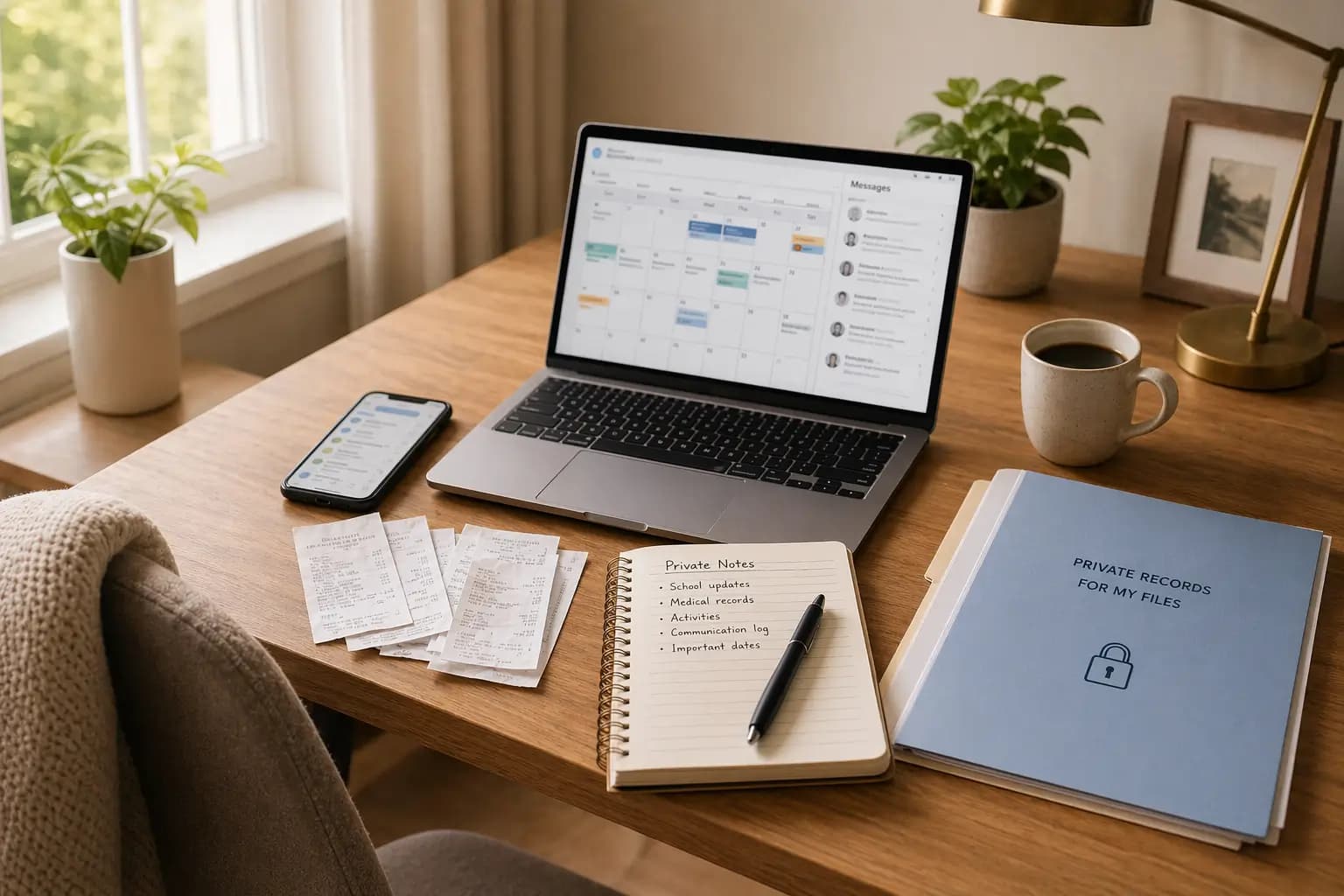
You photograph receipts and track expenses privately. The other parent never sees your entries, can’t edit them, can’t use your notes against you before you’re ready to share.
When you need to disclose—for mediation, for court, for your lawyer—you export a PDF filtered by date range, child, and category. Share exactly what’s relevant, nothing more.
This privacy protection matters. It keeps daily tracking simple and stress-free, and gives you complete control over disclosure timing and scope.
Start photographing receipts today
You don’t need to wait for a dispute to start documenting. In fact, starting now—while everything is calm—is the smartest move.
Every receipt you photograph today might be the proof you need six months from now. Build the habit when there’s no pressure. Two minutes after each purchase. Over months, you’ll have dozens of documented expenses that protect you if disagreements arise.
Quick start steps:
Create your DivKids account. Add your child’s profile. Make your first entry today—whatever you bought for your child this week. Photograph the receipt. Add a brief note. Assign the category.
After one month, export a sample PDF. See how clean and professional your records look. Keep going. Build consistency.
Key reminders:
- Clear receipt photos = credible evidence
- Log immediately, same way, every time
- Brief notes connect purchases to your child
- Consistent categories make totals comparable
- Professional PDFs beat random photos
- Privacy protection until you choose to share
Try DivKids now. Start building your receipt documentation today. Create professional, court-ready records that prove your contributions and protect your parenting rights. Begin tracking your expenses before you wish you had started yesterday.
This article provides general information only and does not constitute legal advice. Family law varies by jurisdiction. For questions about your specific situation, consult a qualified family law attorney in your area.
Frequently Asked Questions
Do family courts accept photo receipts as evidence?
What if my receipt is long or the ink has faded?
Can I export receipts for just medical expenses or one specific child?
Will the other parent see my receipt photos in DivKids?
How soon should I photograph a receipt after making a purchase?