If you co-parent through an app, you are not doing anything wrong. In many families, these tools help keep messages in one place, reduce pointless arguments about dates, and make everyday logistics easier to manage. When communication is tense, a structured app can feel safer than endless text messages.
But many parents quietly run into the same problem after a while: not everything belongs in a shared space. There is a big difference between what you need to coordinate with your ex and what you need to keep for yourself. Your own notes, your own receipts, your own expense records, and your own timeline often need a private home of their own. That is where many parents end up needing a second layer for organisation and preparation, not more shared visibility.
This article is informational only and not legal advice. Court expectations, evidence rules, and co-parenting requirements can vary by country, court, and case.
Co-parenting apps can be very useful for shared communication, calendars, and reimbursements. They are not always the best place for private notes, draft thoughts, personal case preparation, or your own complete evidence file. Many parents end up needing both: one shared tool for communication and one private place for their own records.
The quick answer
Co-parenting apps are usually best at one thing: keeping shared parenting logistics in one visible place. They can help with messages, schedules, expense requests, and a cleaner communication trail. What they are not always built for is private thinking, private organising, or keeping a full parent-only record of what you may later need to show a lawyer, mediator, or court.
- What shared apps do well: messages, calendars, expense requests, and reducing “you never told me” arguments.
- What often feels harder there: private notes, draft thoughts, personal timelines, and evidence you are not ready to share.
- What many parents end up doing: using one shared layer for communication and one private layer for their own records.
What matters most
- Shared apps can be useful without being the right place for everything.
- Anything your ex can see should be written as if it may be read again later.
- Your own receipts, private notes, and personal timeline often need a separate space.
- A shared calendar is not always the same as a full private log of what really happened.
- Expense requests inside a co-parenting app are not the same thing as your complete record of child-related spending.
- The calmer your documentation system is, the less likely you are to rebuild everything under pressure later.
- Privacy does not mean secrecy; it often just means keeping your own records organised until you actually need them.
Table of contents
What co-parenting apps are actually good at
At their best, co-parenting apps do one job very well: they create structure around shared parenting tasks. That can mean messages in one place, a calendar everyone can see, reimbursement requests, pickup times, school events, and less back-and-forth over basic logistics.
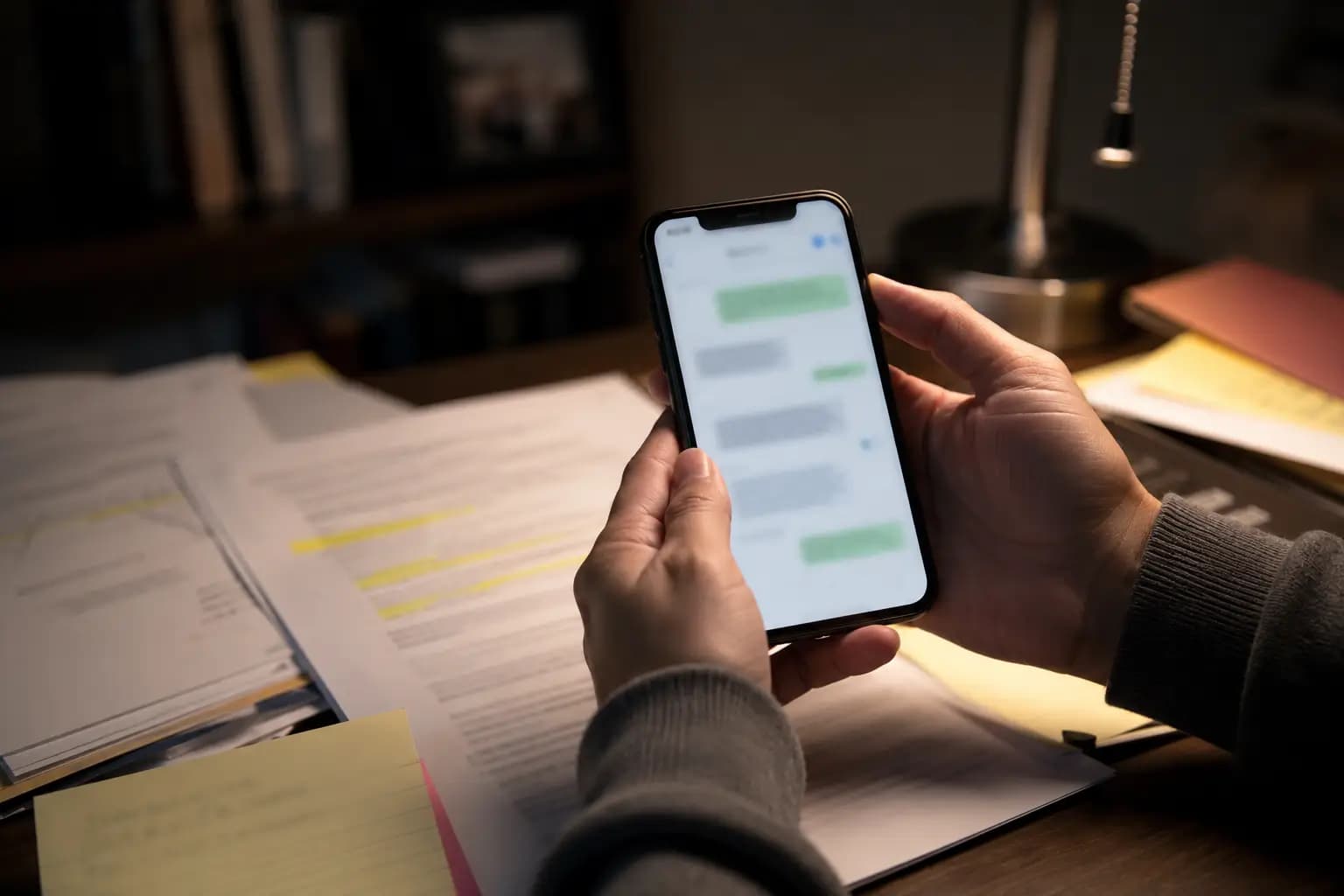
That structure can be genuinely helpful. It can reduce confusion, cut down on duplicate messages, and make it easier to keep communication focused on the child. In some cases, parents may also be encouraged to use a communication tool that keeps records more clearly than texting or email.
That does not make these apps bad. In many situations, they are useful exactly because they are shared, visible, and structured. The mistake is assuming that because they are useful for communication, they should also hold every private thought, every draft note, and every piece of your own documentation.
What many parents do not want to store there
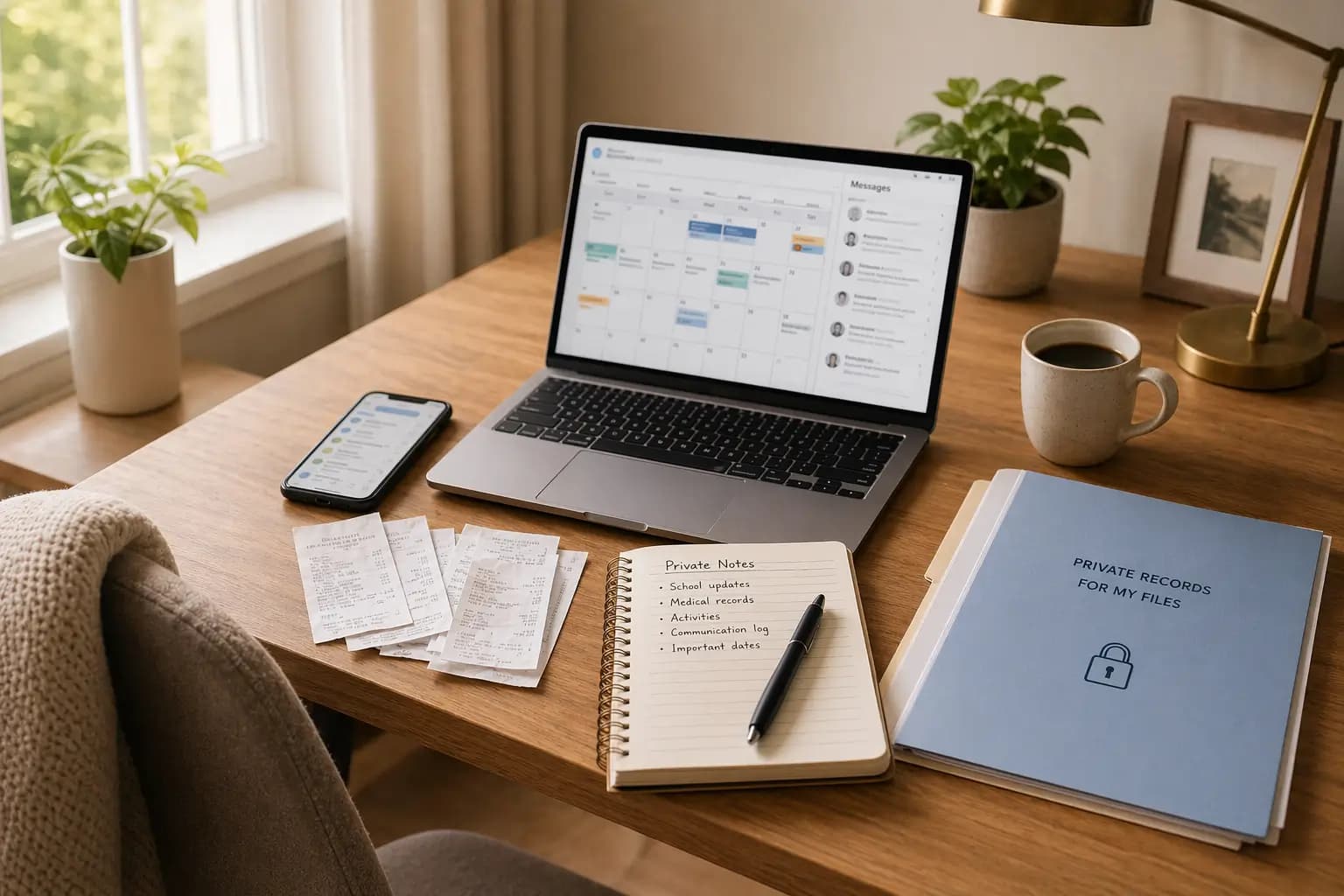
This is the part people often feel but do not say out loud. A shared app may be fine for sending a message about pickup time. It may not feel like the right place for your own running notes about missed handovers, patterns you are noticing, or receipts you are not ready to raise yet.
Some apps do offer private features. But even then, many parents still feel more comfortable keeping their own preparation separate from the shared channel. That is especially true when the co-parenting relationship is tense, high-conflict, or emotionally exhausting.
What parents often want to keep outside the shared app includes:
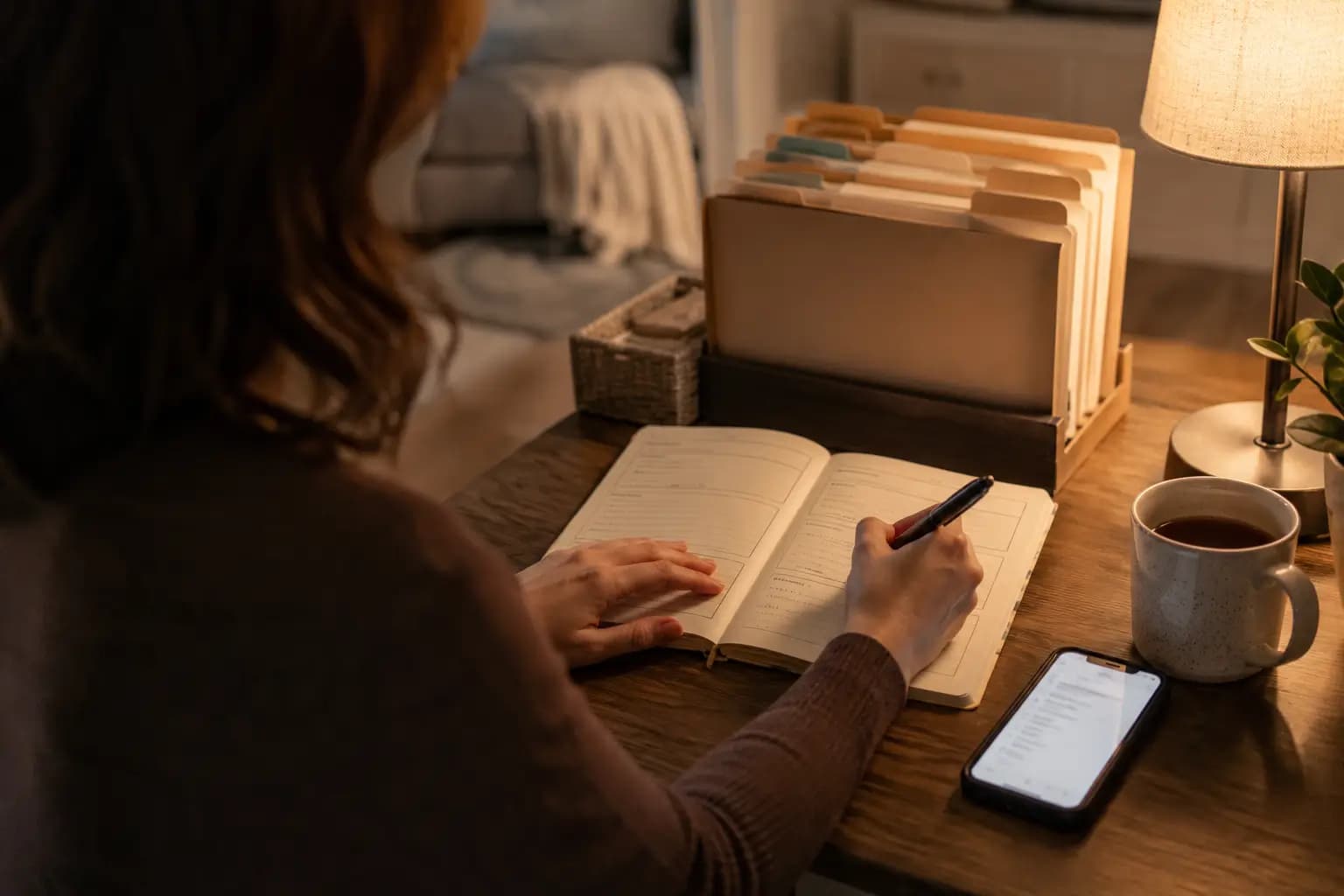
- private notes after a difficult exchange
- a personal timeline of what actually happened
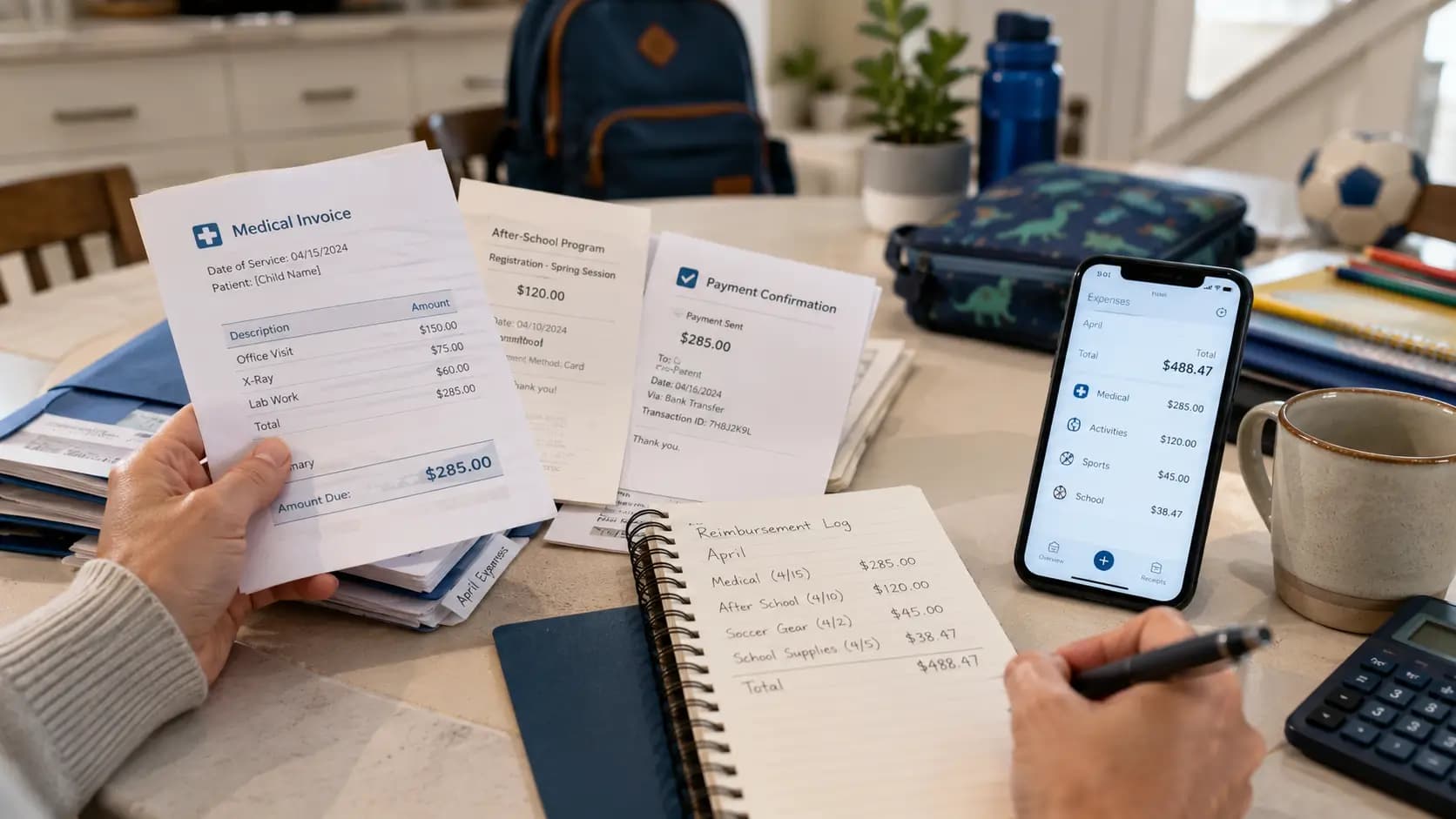
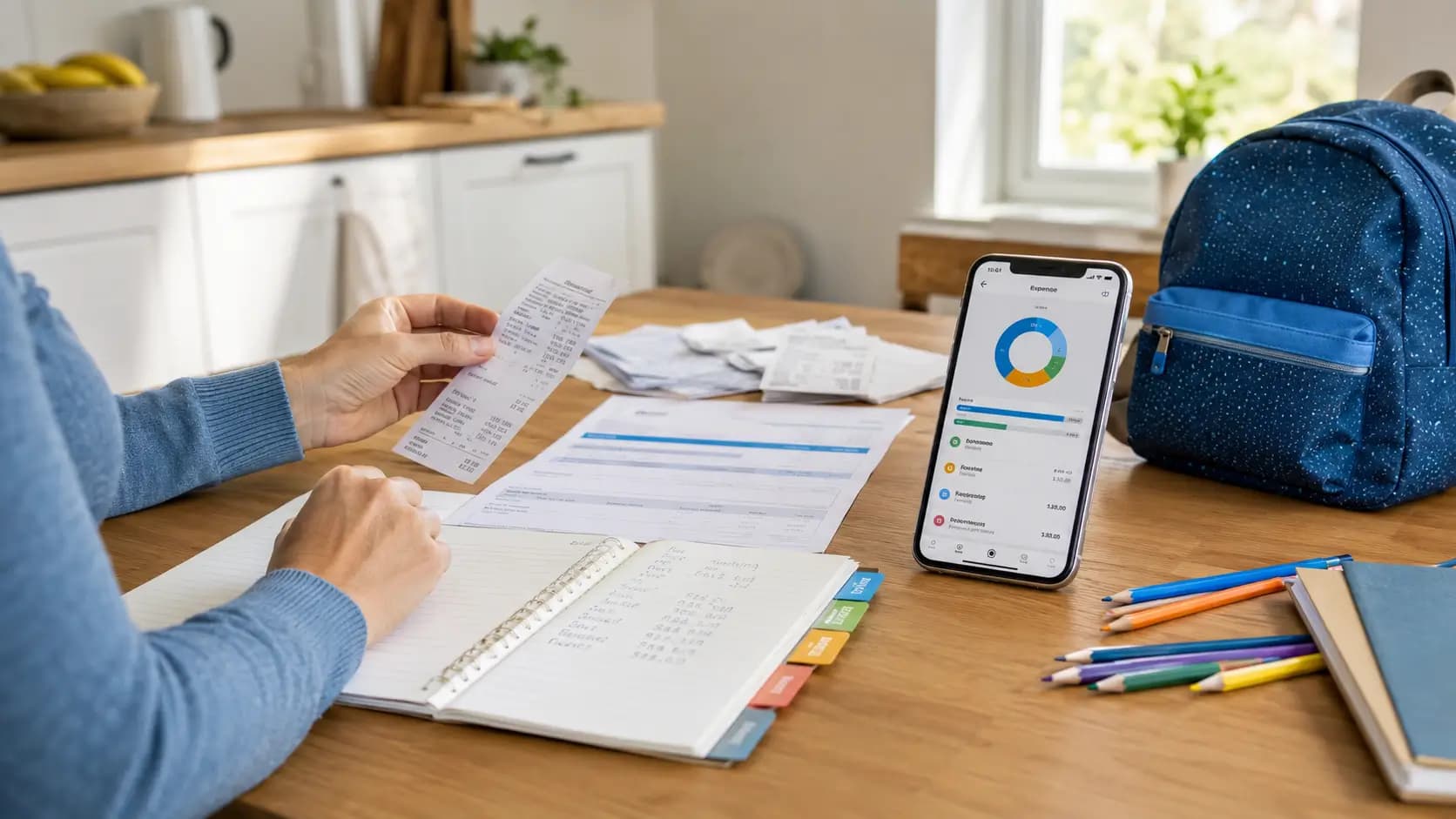
- full expense records, not just reimbursement requests
- receipt photos and invoice PDFs
- draft thoughts they do not want to send in the heat of the moment
- their own parenting-time log with context
None of that means you are hiding something. In many cases, it simply means you are keeping your own records in a calmer, more organised way.
Why private records matter
Shared communication is only one part of separated parenting. The other part is your own preparation. If there is ever a disagreement about expenses, contact time, missed visits, or who paid for what, your private record is often where the real clarity comes from.
That private record helps because it is not just one message thread. It is the bigger picture. It lets you keep receipts with the actual expense, save a note while details are still fresh, and build a timeline that still makes sense months later.
If you already have to explain child-related spending, this becomes even more important. A reimbursement request inside a shared app may show one part of the story. Your own full record may show much more. If you need help with that side of the process, see how to document child expenses after divorce and how to prove child expenses in family court.
Shared layer vs private layer
The easiest way to think about this is not “which app is better?” It is “which job belongs where?” Once you split the jobs clearly, a lot of confusion disappears.
| Shared layer | Private layer |
|---|---|
| Messages about pickup, school, schedules, and practical coordination | Your own notes about what happened and when |
| Calendar items both parents need to see | Your private parenting-time log with extra detail |
| Expense requests you are actively sending to the other parent | Your complete record of child-related expenses and receipts |
| Information that is meant to be visible to both sides | Information you are keeping organised until you need it |
| Shared communication history | Your own preparation for meetings, mediation, or legal advice |
For many parents, both layers are useful. The shared one helps with day-to-day co-parenting. The private one helps you stay organised, calm, and ready.
Checklist: what to keep shared and what to keep private
- [ ] Keep practical child-related communication in the shared app.
- [ ] Keep private notes about patterns, concerns, or incidents in your own record.
- [ ] Keep a private copy of receipt photos, invoices, and payment proof.
- [ ] Keep your own parenting-time log, especially if the shared calendar does not tell the full story.
- [ ] Keep draft thoughts outside the shared app until you know what actually needs to be sent.
- [ ] Keep one simple monthly summary of expenses for yourself.
- [ ] Keep anything sensitive in a place that is organised, searchable, and not mixed into a message thread.
Common mistakes
- Putting every thought into the shared channel just because the app is open.
- Assuming a reimbursement feature equals a complete expense record.
- Relying on the shared calendar as the only record of parenting time.
- Keeping receipts in a camera roll but nowhere organised.
- Waiting until a dispute starts before trying to piece together months of expenses or visits.
- Treating private records as something secret or suspicious instead of something organised and sensible.
The biggest mistake is usually not technical. It is emotional. Parents are tired, busy, and trying to keep the peace. That is exactly why simple systems matter. You need something you can actually keep using on an ordinary Tuesday, not only when things go wrong.
How to handle this in practice
- Use the shared app for shared tasks. Keep communication factual, child-focused, and clear.
- Keep your own private record at the same time. That can include expenses, receipts, visit logs, and notes.
- Save proof as you go. A receipt today is much easier than trying to find it three months later.
- Write short notes while details are fresh. One sentence now is better than guessing later.
- Review your records once a month. A quiet monthly check is easier than rebuilding everything under pressure.
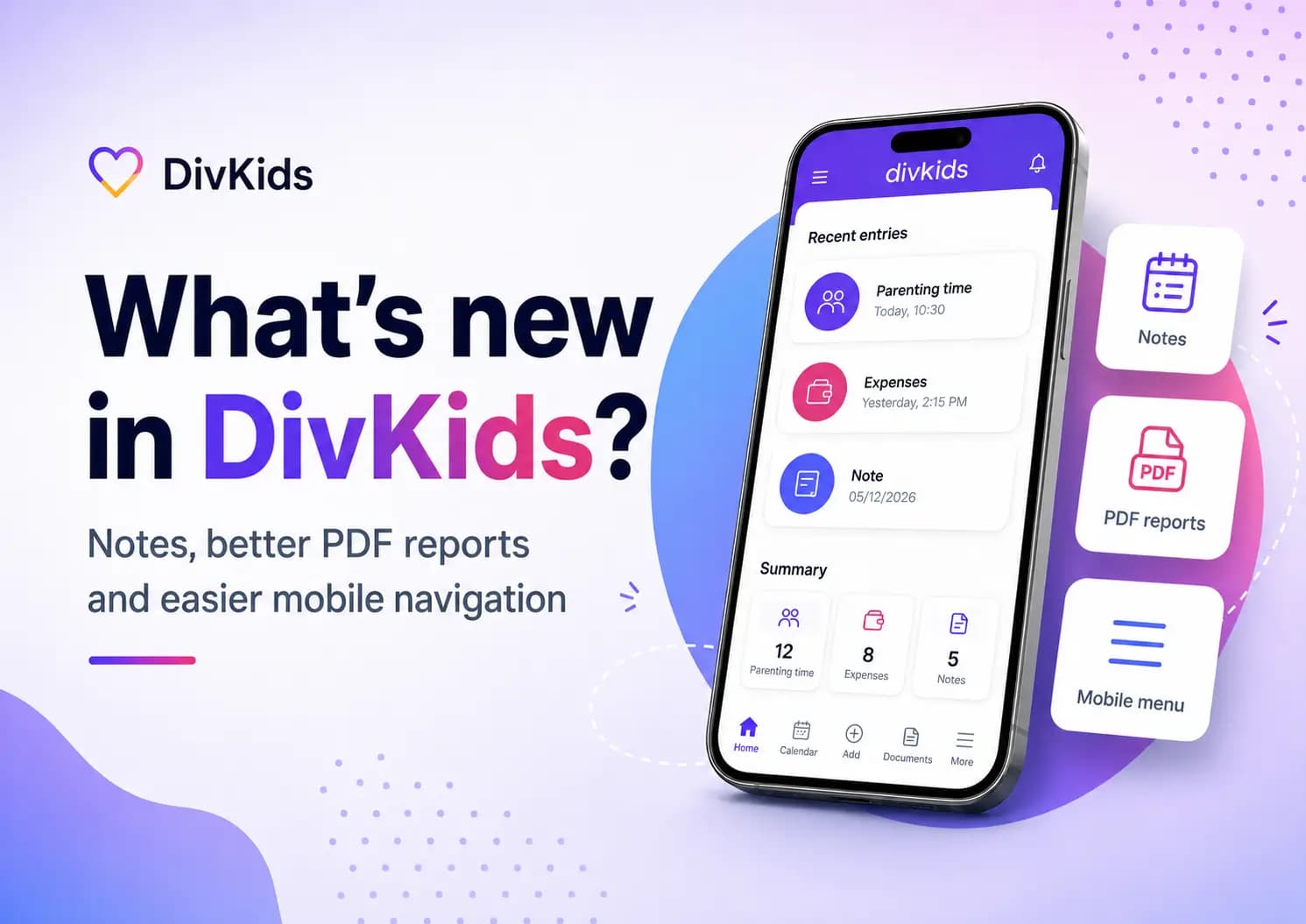
This is where DivKids fits naturally. It is not a replacement for every shared co-parenting app. It is a private place for one parent to keep their own expenses, receipt photos, parenting-time records, notes, and clean PDF reports in one place. If your shared app is where communication happens, DivKids can be where your own records stay organised.
If receipts are part of your routine, this guide on photo receipts is a useful next read. And if the bigger problem is proving what actually happened over time, you may also want to see how to track parenting time after divorce.
Key takeaways
- Co-parenting apps can be genuinely useful for shared communication and coordination.
- They are not always the best place for private notes, full expense records, or your own preparation.
- Many parents need both a shared layer and a private layer.
- Your private records should be easy to search, easy to update, and easy to understand later.
- The goal is not secrecy. The goal is clarity, organisation, and less stress.
- If you want to keep your own expenses, receipts, parenting-time logs, and notes in one private place, you can start with a free account in DivKids.
Frequently Asked Questions
Are co-parenting apps useful?
Should I keep all my notes inside a shared co-parenting app?
Why keep a private record if I already use a co-parenting app?
Is it wrong to keep private notes outside a shared app?