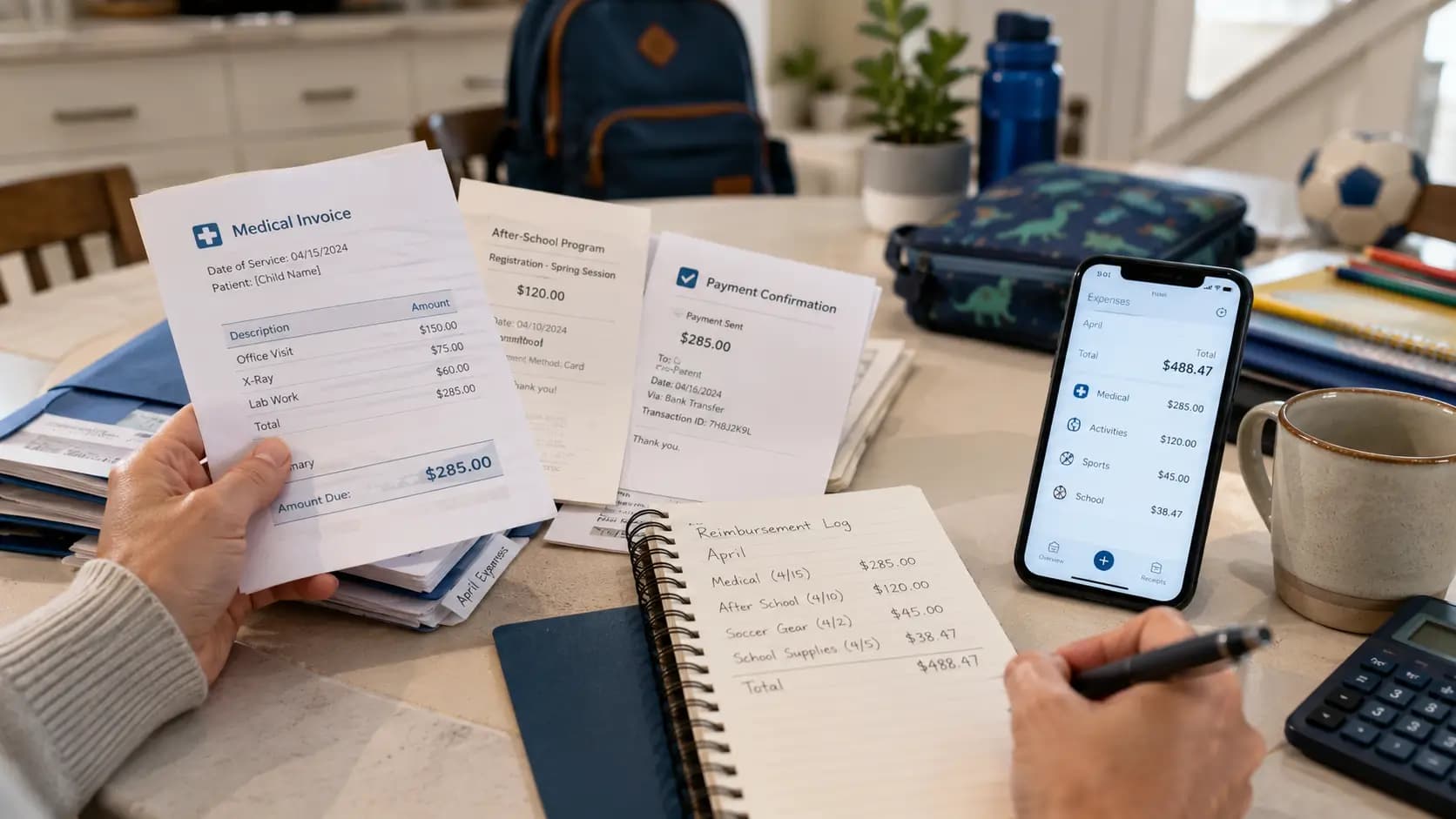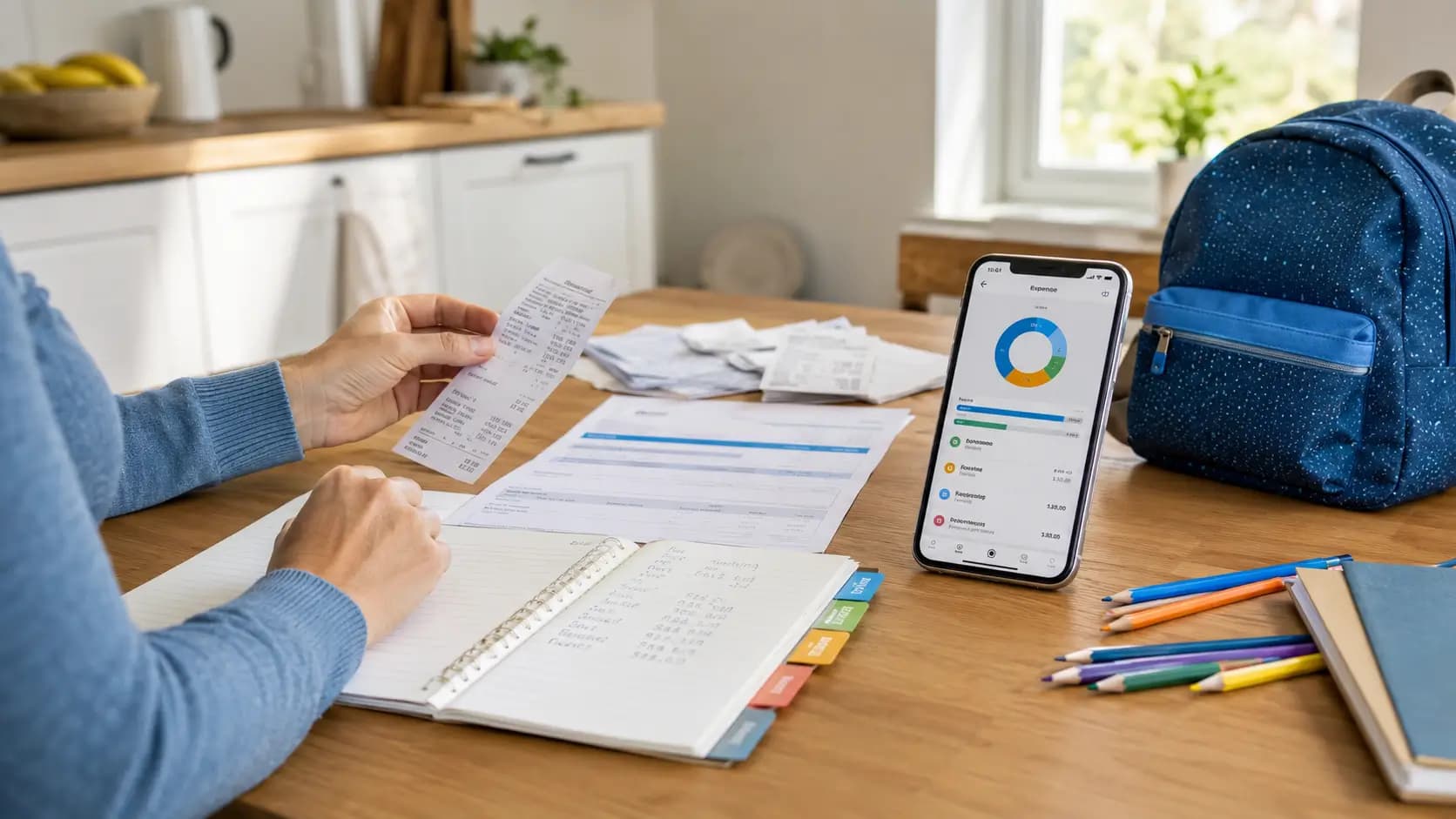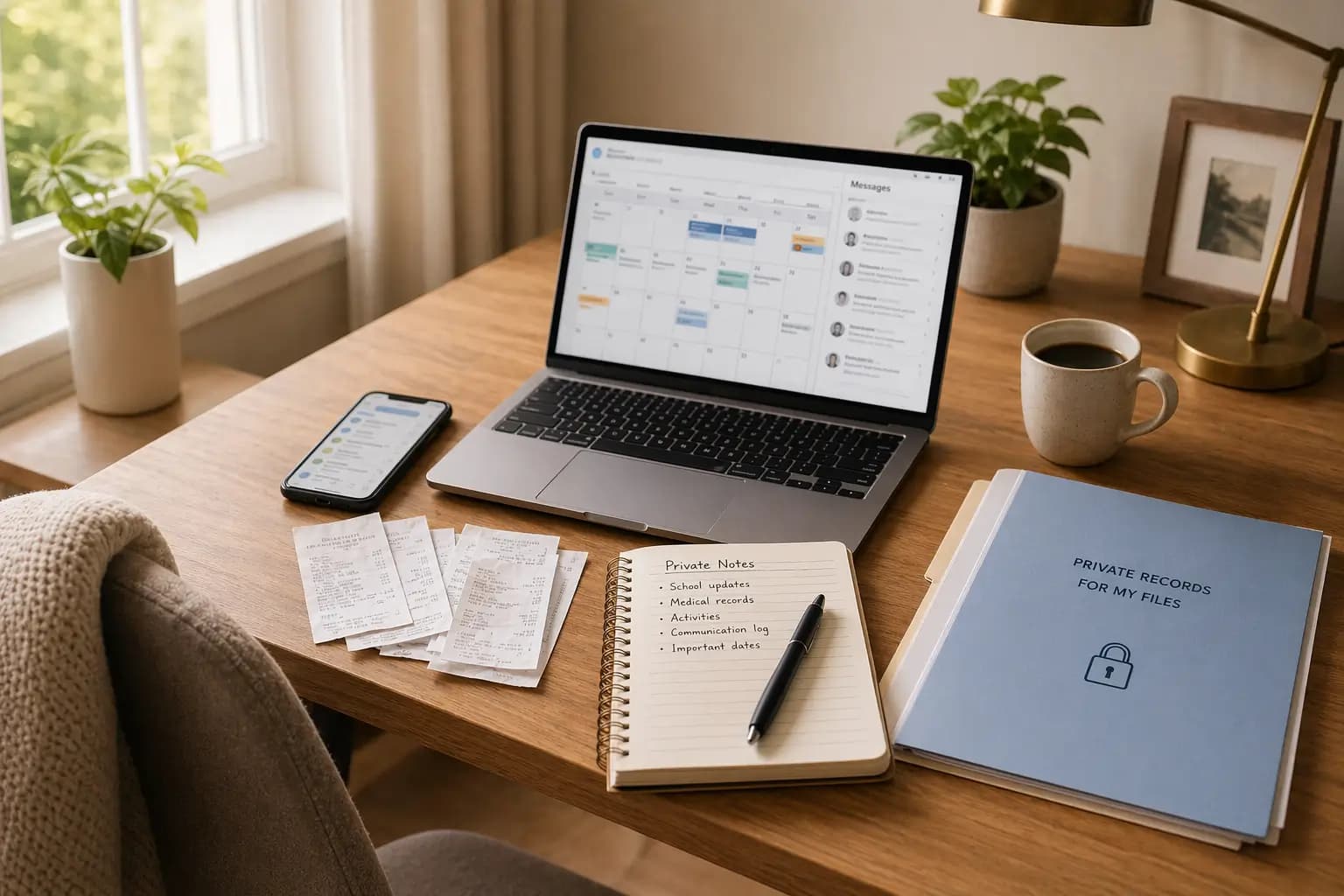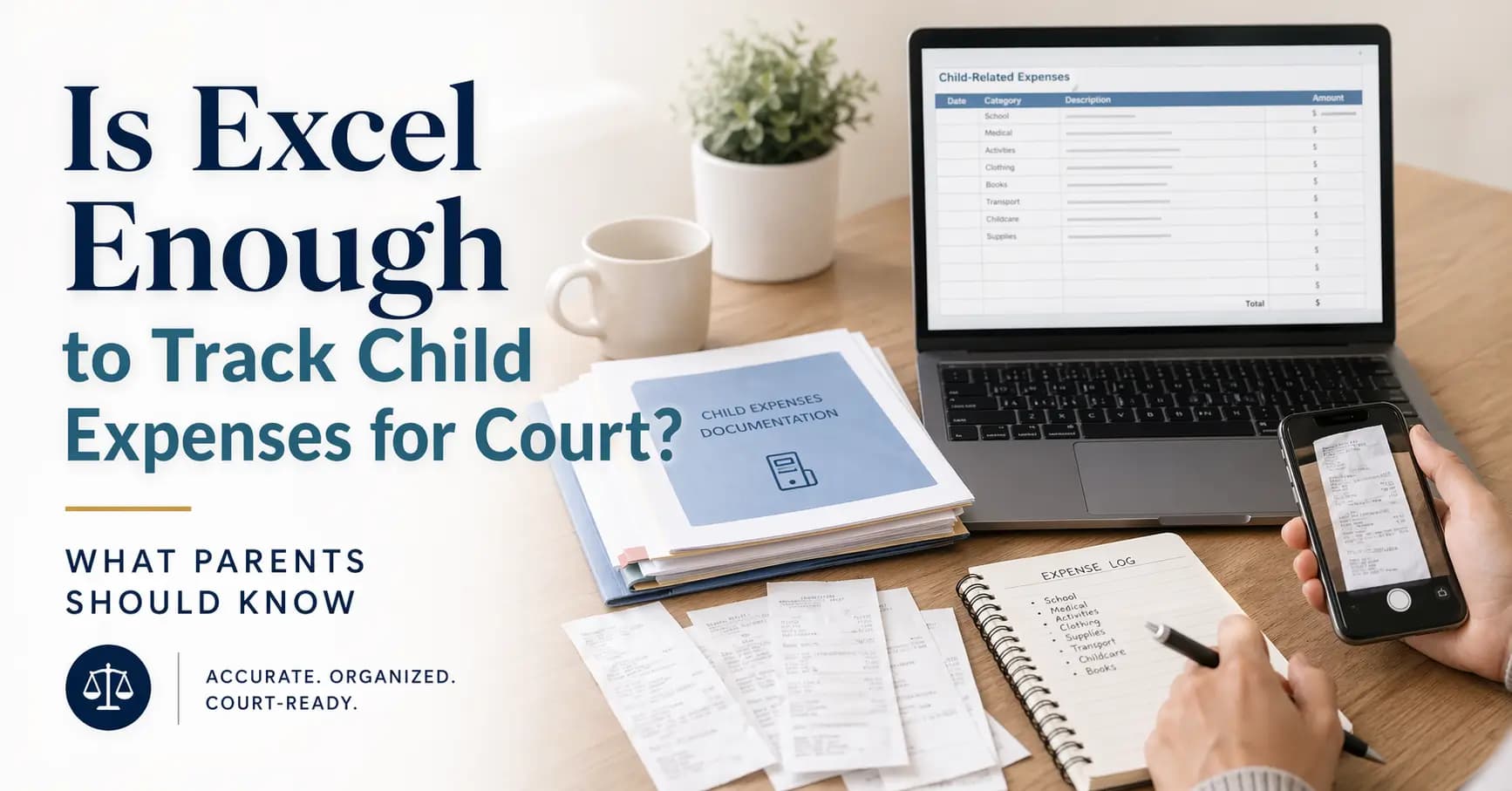
If you are tracking child-related expenses in Excel, you are not doing anything wrong. A lot of parents start there because it is familiar, quick, and already on their laptop. You can sort by month, add totals, and get a rough picture of what life with a child really costs.
The problem usually starts later. When a lawyer, judge, mediator, or the other parent asks where the numbers came from, a spreadsheet on its own is often not enough. What matters most is whether each line can be matched to something real: a receipt, an invoice, a bank payment, or a short note that makes the expense easy to understand.
This article is informational only and not legal advice. Rules and procedures vary by country, court, and case type.
Excel is fine for tracking and totals. It is much weaker as stand-alone proof. The safer approach is simple: use Excel as your summary, and keep the receipts, payment records, and monthly exports behind it.
The quick answer
Excel can help you organise child-related spending, but it is usually not enough on its own when you need to prove those expenses. In most real-life disputes, the spreadsheet is only the top layer. The stronger part is the material underneath it: receipts, invoices, card statements, bank transfers, and a clear record of what each expense was for.
- What Excel is good for: totals, monthly summaries, categories, and spotting patterns.
- What Excel is not good at on its own: proving that a payment was real, when it happened, and which child it related to.
- What usually works better: a simple tracker plus receipts, payment proof, and a frozen month-end PDF.
What matters most
- Excel is useful as a ledger, not as your only evidence.
- One expense should usually mean one row, one date, and one clear description.
- If possible, each row should point to a real document such as a receipt, invoice, or payment record.
- Mixed shopping trips are harder to explain later than child-specific expenses.
- Monthly exports are usually easier to defend than a live file that keeps changing.
- Short, boring categories work better than clever custom labels.
- A simple PDF summary is often easier for a lawyer or court to read than a large spreadsheet.
- The real goal is not a perfect spreadsheet. The goal is a record that still makes sense months later.
Table of contents
Why parents use Excel in the first place
There is a reason so many parents start with a spreadsheet. It is fast. It feels private. It lets you add up a month in minutes. If you are trying to keep your head above water after a breakup, that simplicity matters.
Excel is especially useful at the beginning, when your main goal is to stop losing track of spending. You can create categories, add totals, compare months, and start seeing where the money is really going. For many parents, that first step alone is already a relief.
And to be fair, a good spreadsheet is far better than no record at all. The problem is not that Excel is bad. The problem is that many parents expect it to do a job it was never really designed to do on its own.
Where Excel starts to fall short
A spreadsheet can tell you that you spent 68 dollars on school supplies or 120 euros on activities. What it cannot do by itself is prove where that number came from. If someone asks, “Can you show me the receipt?” or “Was this actually paid?” the spreadsheet is only the start of the answer.
This is where many parents get stuck. The numbers are there, but the proof is scattered across email, banking apps, camera rolls, online orders, and old paper receipts. Months later, a neat total in Excel can suddenly feel very thin.
| What Excel helps with | Why it feels useful | What it cannot prove by itself |
|---|---|---|
| Monthly totals | You can see spending patterns quickly | Whether each amount was supported by a real purchase |
| Categories | You can group school, medical, travel, and activities | Whether those labels match the documents underneath |
| Sorting and filtering | You can isolate one child or one month | Whether something is duplicated, missing, or unclear |
| Editing | You can fix errors fast | What the file looked like before later changes |
| Sharing | You can send it to a lawyer or print it | Whether the numbers can stand on their own without backup |
That is why Excel works best as a summary layer. It helps you organise the story. It should not be the whole story.
What usually gets challenged
In most disputes, the weak points are surprisingly predictable. The other side usually does not attack the spreadsheet because it is a spreadsheet. They attack the gaps around it.
- Where did this number come from? If there is no receipt, invoice, or note, the row looks weak.
- Was this actually paid? A receipt is helpful, but a payment record often makes the row much stronger.
- Was this really for the child? Mixed household shopping is harder to explain than child-specific spending.
- Why is this category here? If labels are too vague, you end up explaining the same thing over and over.
- When was this created? A live file that changes every week can be harder to defend than a clean month-end export.
None of this means a spreadsheet is useless. It just means the spreadsheet needs support. The stronger your receipts, payment proof, and monthly summaries are, the less room there is for easy attacks.
A quick note on country differences
This part matters. Parents in different countries do not all face the same legal system. Some systems are more court-based. Others rely more on agencies, income formulas, or defined categories of expenses. That is exactly why it helps to keep your records simple, factual, and easy to understand.
The safest approach across countries is not to force legal language into every row. It is to keep a clean record of what was spent, when it was spent, who it was for, and what document supports it. That kind of record travels better than a spreadsheet full of legal labels that may not mean the same thing everywhere.
So if you are in the US, Canada, Ireland, the UK, Australia, or an EU country, the basic habit is still useful: keep the source file, link it to the payment, and summarise the month in a way another person can actually follow.
A better way to keep records
The better question is not “Should I stop using Excel?” The better question is “What is the safest and simplest system I can actually keep up?”
For most parents, the best answer is layered:
| Layer | What it does | Examples |
|---|---|---|
| Source file | Shows what the expense was | Receipt photo, PDF invoice, school email, medical bill |
| Payment proof | Shows that money actually moved | Bank transfer, card statement, online payment confirmation |
| Ledger row | Puts the expense into your monthly record | Date, child, category, amount, short description |
| Context note | Explains the expense if needed | Travel during parenting time, school trip, reimbursement note |
| Frozen export | Shows what your records looked like that month | Month-end PDF or exported summary |
If you want a simple rule, use this one: save first, label second, summarise third. That order prevents a lot of problems later.
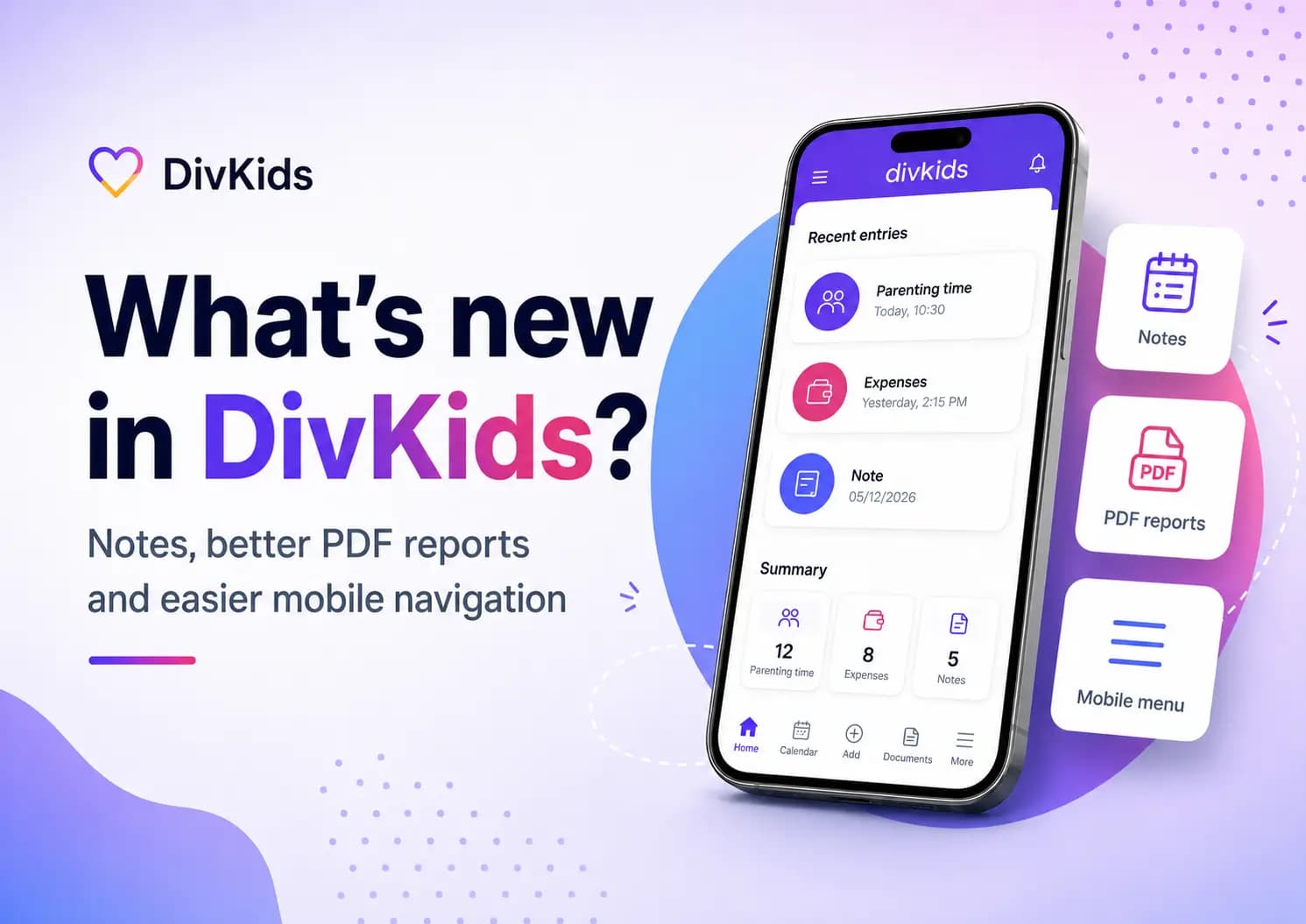
If you prefer doing this without maintaining everything by hand, that is usually where a dedicated record system becomes easier than a spreadsheet. DivKids was built for separated parents who want private tracking, photo receipts, parenting-time notes, and clean PDF exports when proof is needed.
A simple structure that works better
The best template is not fancy. It is boring on purpose. You want columns that answer normal questions without making you explain each row from scratch.
| Column | Why it matters | Example |
|---|---|---|
| Date | Keeps the record in order | 2026-03-14 |
| Child | Makes the expense child-specific | Noah |
| Category | Keeps totals consistent | Activities |
| Description | Explains the expense in plain English | Monthly swim fee |
| Amount | Shows the value clearly | 55.00 |
| Currency | Useful if payments happen across borders | EUR |
| Source file | Connects the row to proof | 2026-03-14_swim_invoice.pdf |
| Payment reference | Links the row to a bank or card record | TRF-7731 |
| Note | Adds context only if needed | Paid during my parenting time |
That is enough for most parents. You do not need a complicated case-management system on day one. You just need something clear enough that another person can follow it later.
Common mistakes
- Tracking totals without saving the receipts or payment proof behind them.
- Putting several children or several different purchases into one unclear row.
- Using too many custom categories that stop meaning anything after a few months.
- Relying on a live spreadsheet without exporting a fixed month-end version.
- Keeping screenshots inside the workbook but not saving the original files.
- Waiting until there is a dispute before trying to rebuild months of spending.
The last one is the worst. Rebuilding records later is possible, but it is tiring, slow, and usually incomplete. It is much easier to keep a simple running system while life is happening.
How to handle this without turning it into a second job
- Pick one system. Do not split records across five places if you can avoid it.
- Save the proof first. Receipt, invoice, bank transfer, or order email.
- Add one clean row. Date, child, category, amount, short description.
- Export once a month. A simple PDF summary is often enough for review.
- Keep it sustainable. The best system is the one you will still use six months from now.
If you are already tired of spreadsheets, that is usually a sign. Many parents start in Excel, then move to a simpler tracker once they realise the real problem is not adding numbers. It is keeping receipts, notes, categories, and monthly summaries together in one place.
Key takeaways
- Excel is useful for tracking child-related expenses, but it is usually not enough on its own as proof.
- The stronger record is: receipt or invoice, payment proof, clear row, and month-end summary.
- One expense per row and one child per row usually makes later questions easier to answer.
- Simple categories and short descriptions work better than overcomplicated systems.
- A frozen monthly PDF is often easier to rely on than a live file that keeps changing.
- If you want to keep everything organised as you go, you can start with a free account in DivKids.
Frequently Asked Questions
Can I use Excel to track child expenses?
Is a spreadsheet enough on its own if there is a dispute?
What should I keep with my spreadsheet?
Should I keep parenting-time notes in the same system?
What is the biggest mistake parents make with expense tracking?