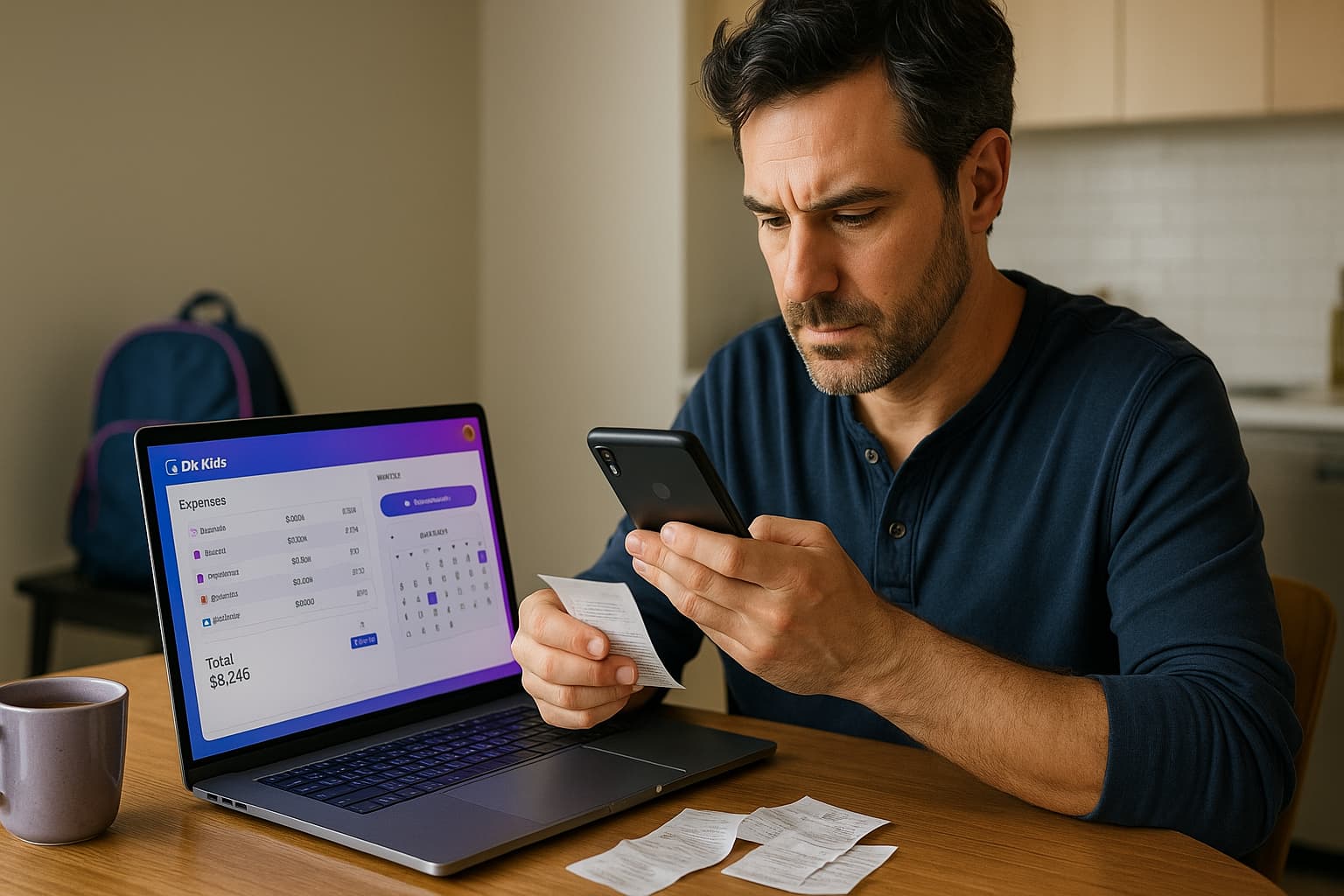
You’ve been tracking expenses in your head, maybe scribbling amounts on random papers, or hoping your bank statement will be enough. Then your ex questions every dollar you claim, or worse—you’re heading to court and your lawyer asks for documentation. Suddenly, those crumpled receipts in your glove box don’t feel like enough.
Here’s the truth: memory loses in court. Documentation wins. When you can show exactly what you spent, when you spent it, and what it was for—with actual proof—arguments turn into facts. That shift changes everything.
This guide shows you how to build private, court-ready records using DivKids application: track every child-related expense with photo receipts, log your parenting time with dates and details, and export clean PDF reports whenever you need them. No shared accounts. No arguments about „who said what.” Just your records, your proof, your control.
What you’ll learn:
- Why documentation beats memory every time
- What expenses to track (and which ones matter most)
- How to take receipt photos that actually work in court
- Organizing by category and child
- Logging parenting time that stands up
- Creating court-ready PDF reports
- Five mistakes that cost parents thousands
- Real example: How documentation prevented costly litigation
- Why your records should stay private
Why documentation beats memory every time
After a separation, many arguments turn on proof, not memory. Judges and mediators look for clear timelines and consistent records. When you can present a month-by-month view of what you spent and how you used your time with the child, the discussion moves from opinions to facts.
Custody disputes involving financial disagreements are among the most expensive aspects of family law cases. According to Clio’s 2025 Family Law Statistics, disputes over issues like custody can extend proceedings for years and push costs well over $100,000 in complex cases. Clear documentation often helps settle these disputes before trial, saving families significant legal expenses.
DivKids focuses on two evidence pillars:
- Expenses with proof: amount, date, category, child, description, and a photo of the receipt or invoice.
- Parenting time logs: calendar entries with dates, start/end times, overnights, cancellations, late pickups, and short notes.
This structure makes your story easy to verify. It also saves time for you and your lawyer or mediator because reports come in a clean, readable format.
What expenses to track (and which ones matter most)
Track spending that directly benefits your child. Use stable categories so your monthly totals are clear and comparable. Based on USDA child expenditure data, middle-income families spend approximately $16,000-$22,000 annually per child. Here’s how that typically breaks down:
Medical and dental
Doctor visits, urgent care, prescriptions, therapy sessions, dental work, orthodontics, eyeglasses, copays. Example: Pediatric visit copay $30, pharmacy prescription $25, dental cleaning $75, eyeglasses $180.
Education and school
Registration fees, textbooks, school supplies, uniforms, lab fees, field trips, class photos. Example: School supplies $85, uniform polo shirts $45, field trip permission fee $15, class yearbook $35.
Childcare
Daycare, after-school programs, summer camps, babysitters while you work. Example: Monthly daycare $850, after-school care $280/month, summer camp week $320.
Clothing and essentials
Seasonal clothing, shoes, winter coats, hygiene products. Example: Winter coat $68, sneakers for school $52, back-to-school outfit $85, toiletries $30.
Activities and enrichment
Sports teams, music lessons, dance classes, equipment, club fees, instruments. Example: Soccer league registration $180, cleats and shin guards $65, monthly piano lessons $120.
Transportation
Gas for school runs, parking for activities, public transit passes. Example: Monthly gas for custody exchanges $95, parking at sports events $20/month.
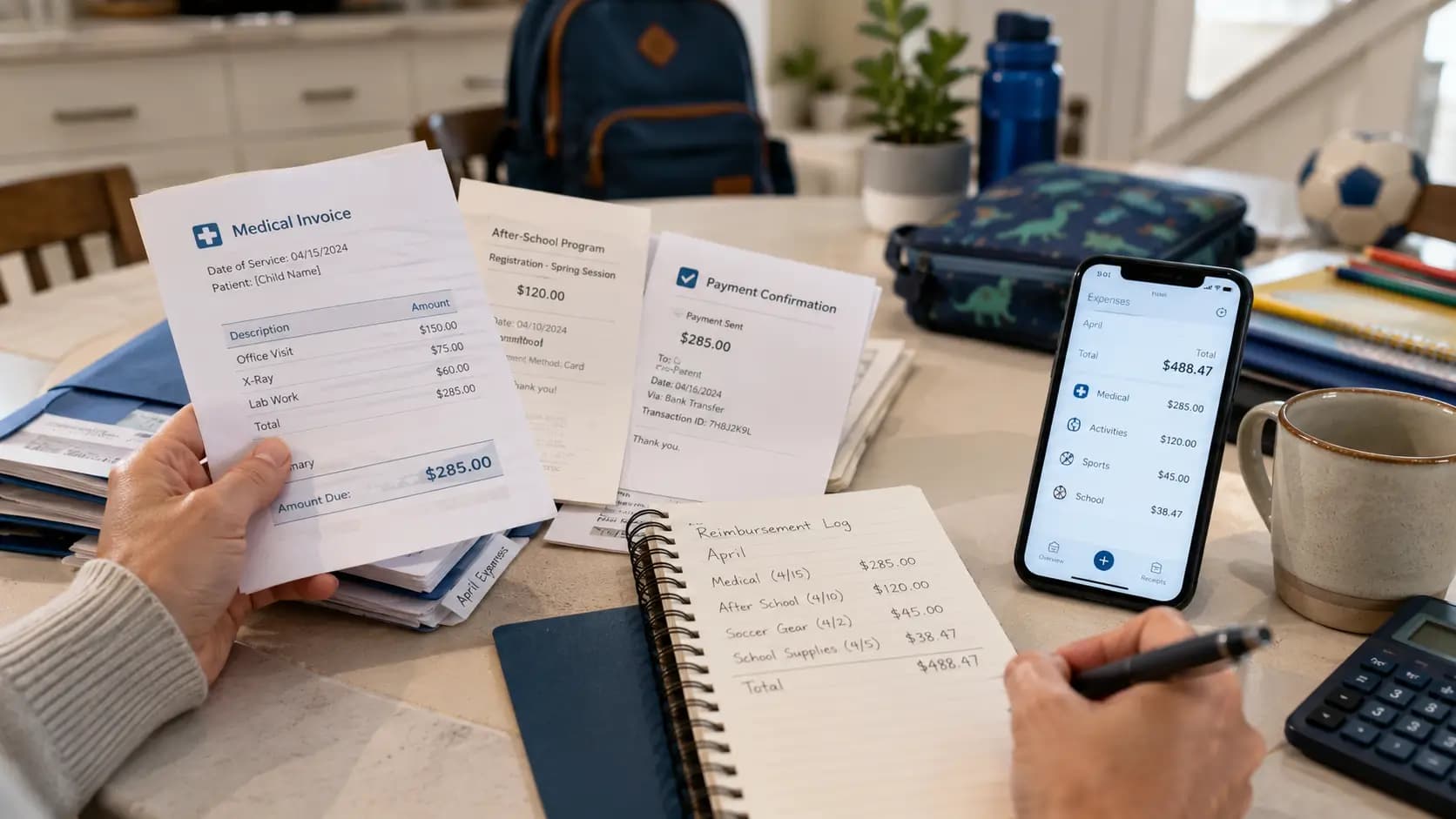
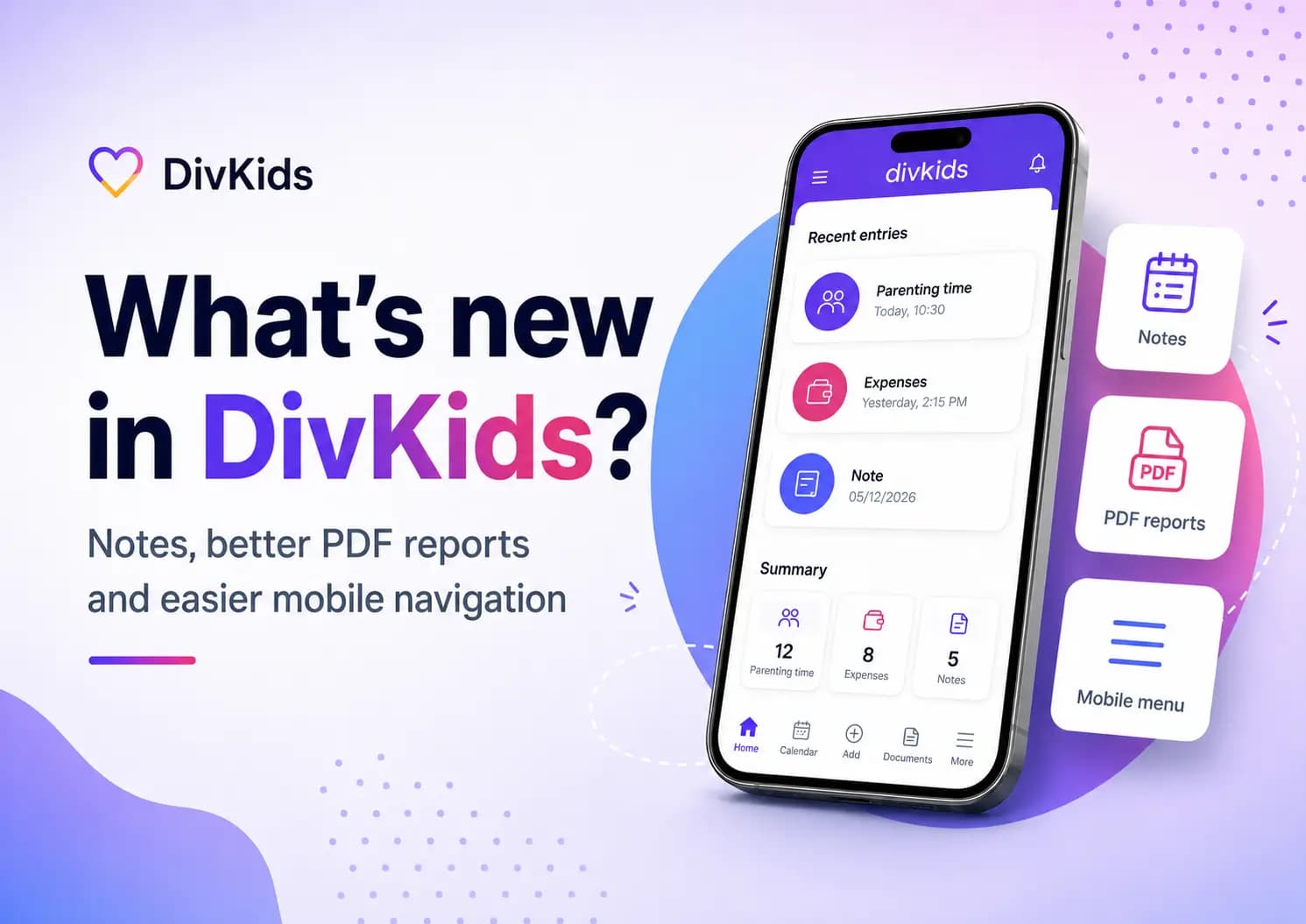
In DivKids, adding an expense takes 30 seconds: open the app, tap „Add Expense,” enter the amount ($52), choose category (Clothing), select your child (Sarah), write a quick note („gym class sneakers – Nike”), snap a photo of the receipt. Done. It’s stored, organized, and ready for export.
How to take receipt photos that actually work in court
Not all receipt photos are equal. A blurry image or a partial receipt gets questioned immediately. Here’s what works:
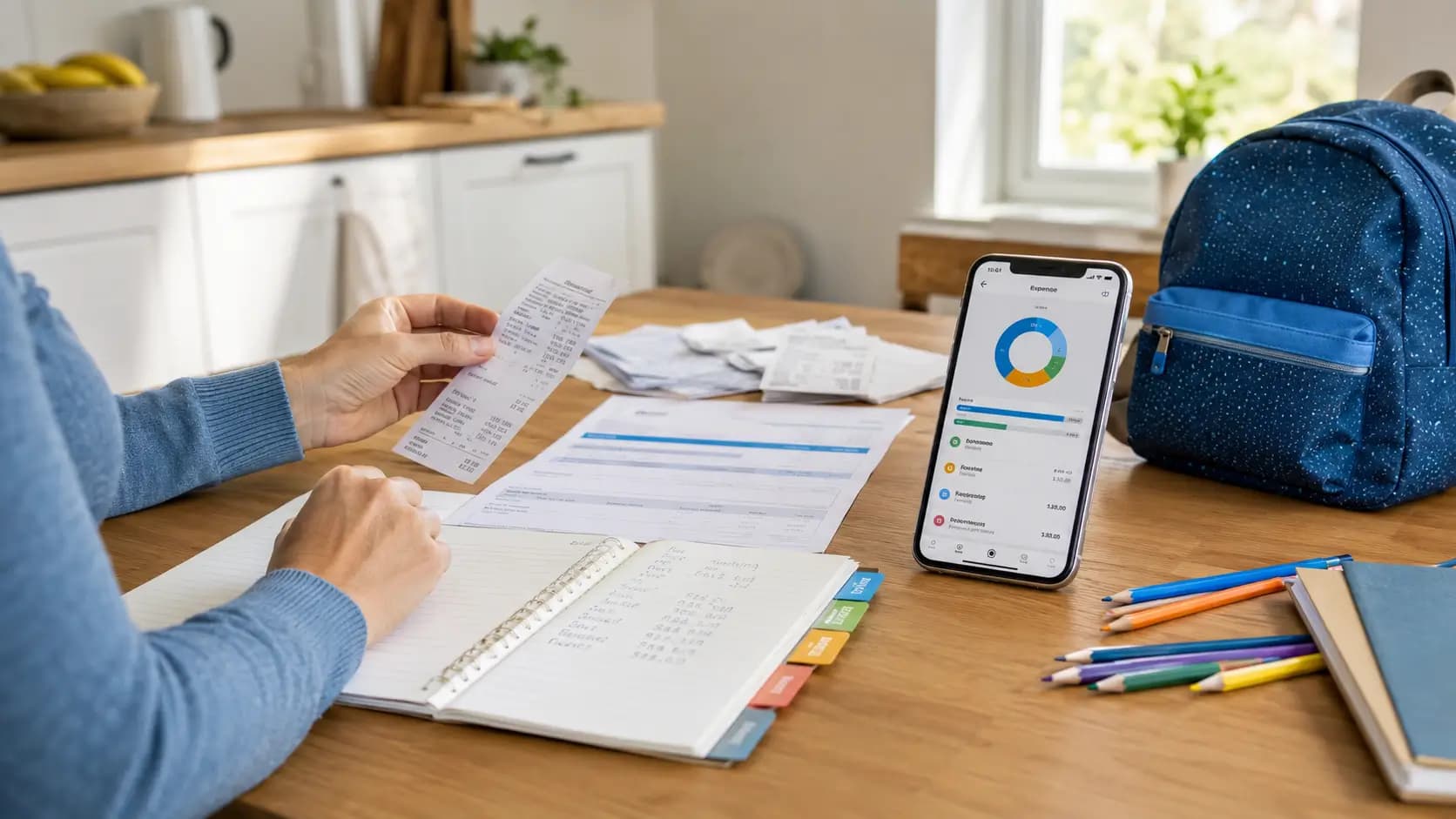
Capture the full receipt: Make sure the photo shows the store name, date, all line items, and the total. If the receipt is long, take multiple photos or fold it carefully so key info is visible.
Use good lighting: Natural light or a well-lit room. Avoid shadows across the text. Hold your phone steady—blurry receipts look suspicious even when they’re legitimate.
Flat surface works best: Lay the receipt on a table rather than holding it in mid-air. This keeps it straight and readable.
Add the entry immediately: Don’t wait three days. Take the photo right after purchase. Enter the amount, category, child’s name, and a short description while it’s fresh in your mind.
Keep the paper copy if possible: Digital is convenient, but having the original as backup never hurts. Toss them in an envelope labeled by month.
What happens if you lose a receipt? Document what you can: add the expense with a note like „Receipt lost—confirmed via bank statement card ending 4352.” Attach a screenshot of the bank transaction. It’s not perfect, but it’s better than nothing.
Organizing by category and child: Why it matters
Imagine handing a judge or mediator a document that says „I spent $8,000 on the kids.” Their first question: „On what?” If you can’t break that down, you’ve lost credibility.
Now imagine handing them a report that shows:
- Medical: $950 (copays, prescriptions, therapy)
- School: $680 (supplies, fees, books)
- Childcare: $2,400 (daycare, after-school)
- Clothing: $485 (seasonal purchases)
- Activities: $740 (sports, lessons)
- Food: $1,900 (groceries during custody time)
- Transportation: $1,200 (gas, parking)
Same total. Completely different impact.
In DivKids: Every expense gets tagged with a category and assigned to a child. If you have two kids, you can filter the report to show „Sarah only” or „both children.” You can pull up „Medical expenses January-June” or „Everything in 2024.” The flexibility matters because different conversations need different views.
Your ex questions medical costs? Export a PDF showing just medical, with receipt photos attached. Your lawyer needs a full year summary? Export everything with category breakdowns. You stay in control of what you share.
Logging parenting time that stands up
Tracking expenses is half the picture. The other half is documenting your time with your child. Courts care about this because parenting time affects support calculations, custody arrangements, and—when disputes arise—who gets believed.
What to log in DivKids:
Dates and times: Start and end of each visit. „Picked up Friday 6pm, returned Sunday 5pm.”
Overnight stays: Courts often calculate custody based on overnights. „2 overnights this visit” is clear and measurable.
Cancellations: If your ex cancels or doesn’t show up, log it with a reason if known. „Scheduled visit April 12—cancelled by other parent, reason stated: work emergency.”
Late pickups or drop-offs: Patterns matter. „Pickup scheduled 9am, arrived 11:30am” documented over months shows reliability issues.
Photos from visits: Not required, but helpful. A photo of you and your child at the park, at dinner, doing homework—it shows active involvement. It’s also a nice record for yourself.
At the end of each month, DivKids calculates: total visits, total overnights, cancelled visits, and percentages. Over six months, patterns become undeniable. You had your child 45% of nights vs. the 20% your ex claims? The calendar doesn’t lie.
Creating court-ready PDF reports
All the tracking in the world doesn’t matter if you can’t present it clearly. This is where most DIY systems fall apart—parents show up with screenshots, messy spreadsheets, or random receipts in a folder.
What a court-ready report looks like:
Clean header with summary: „Child Expenses Report: January 1 – June 30, 2024. Total: $8,355. Child: Sarah Martinez.”
Category breakdown: A table showing Medical $950, School $680, Childcare $2,400, etc. Totals at a glance.
Itemized list: Each expense with date, description, amount, and a note if there’s a receipt photo available.
Professional formatting: Not handwritten. Not a screenshot. A clean, readable PDF that looks like it came from someone organized and credible.
In DivKids, you choose your date range, select which categories and children to include, and tap „Download PDF.” Three seconds later, you have a report ready to email your lawyer, show a mediator, or submit to court.
Same process for parenting time: export a PDF showing your visits, overnights, and any issues. It’s a calendar view plus a summary table. Simple, clear, convincing.
Five mistakes that cost parents thousands
1. No proof photos. You say you spent $485 on clothing. Your ex says you’re exaggerating. Without receipt photos, it’s your word against theirs. Judges don’t rule on words.
2. Wrong or missing categories. Everything labeled „miscellaneous” or „other” looks disorganized. Courts wonder if you’re hiding something or just careless. Use clear, consistent categories.
3. No child assignment. If you have two kids and don’t specify which expense went to which child, your report is useless for custody calculations. Every expense needs a child’s name.
4. No regular summaries. Tracking for one month right before court looks suspicious. Consistent records over six months or a year show you’ve been responsible all along.
5. Raw screenshots instead of clean reports. A screenshot of your banking app with stuff highlighted doesn’t look professional. Export a formatted PDF. Presentation matters.
Real example: How documentation prevented costly litigation
Michael is a divorced father of two, ages 7 and 10. His ex-wife claimed he „barely contributed” financially and wanted him to pay significantly higher child support. She filed a motion to modify support, which meant court.
Michael had been using DivKids for eight months. Every expense—groceries during his parenting time, medical copays, school fees, sports equipment, clothing—was documented with photo receipts.
When his lawyer asked for evidence, Michael exported a PDF report covering those eight months:
- Medical & Healthcare: $950 (doctor visits, prescriptions, dental)
- School expenses: $680 (supplies, fees, books)
- Childcare during custody: $1,700 (after-school care)
- Food during visits: $1,900 (groceries, meals)
- Clothing: $635 (seasonal, school clothes)
- Activities: $740 (soccer league, equipment)
- Transportation: $1,590 (gas for custody exchanges, school runs)
- Miscellaneous: $500 (school photos, birthday gifts, supplies)
Total documented: $8,695 over 8 months across 186 transactions with receipt photos.
His lawyer presented the report in mediation. The opposing lawyer reviewed it, saw the organized categories and attached receipt photos, and realized the numbers were solid. The case settled without going to trial. Michael’s support obligation was adjusted fairly based on actual documented contributions.
Cost of using DivKids for eight months: minimal. Cost saved by settling before trial: an estimated $8,000-$15,000 in legal fees. More importantly, Michael kept his credibility and his relationship with his kids intact—no bitter courtroom battle required.
Why your records should stay private
Some co-parenting tools are built around „shared accountability”—both parents log into the same system, see each other’s entries, and collaborate on expenses. That sounds good in theory. In practice, it creates problems:
Loss of control: Your ex sees every expense as you enter it. They question things in real-time. Small disagreements escalate before you even have a monthly total.
Context leaks: You note „therapy session for anxiety” and suddenly your ex is using that information against you in court, claiming you’re an unfit parent.
Privacy violations: Your new partner buys your child a gift. You log it. Your ex sees it and gets upset, creating conflict where none existed.
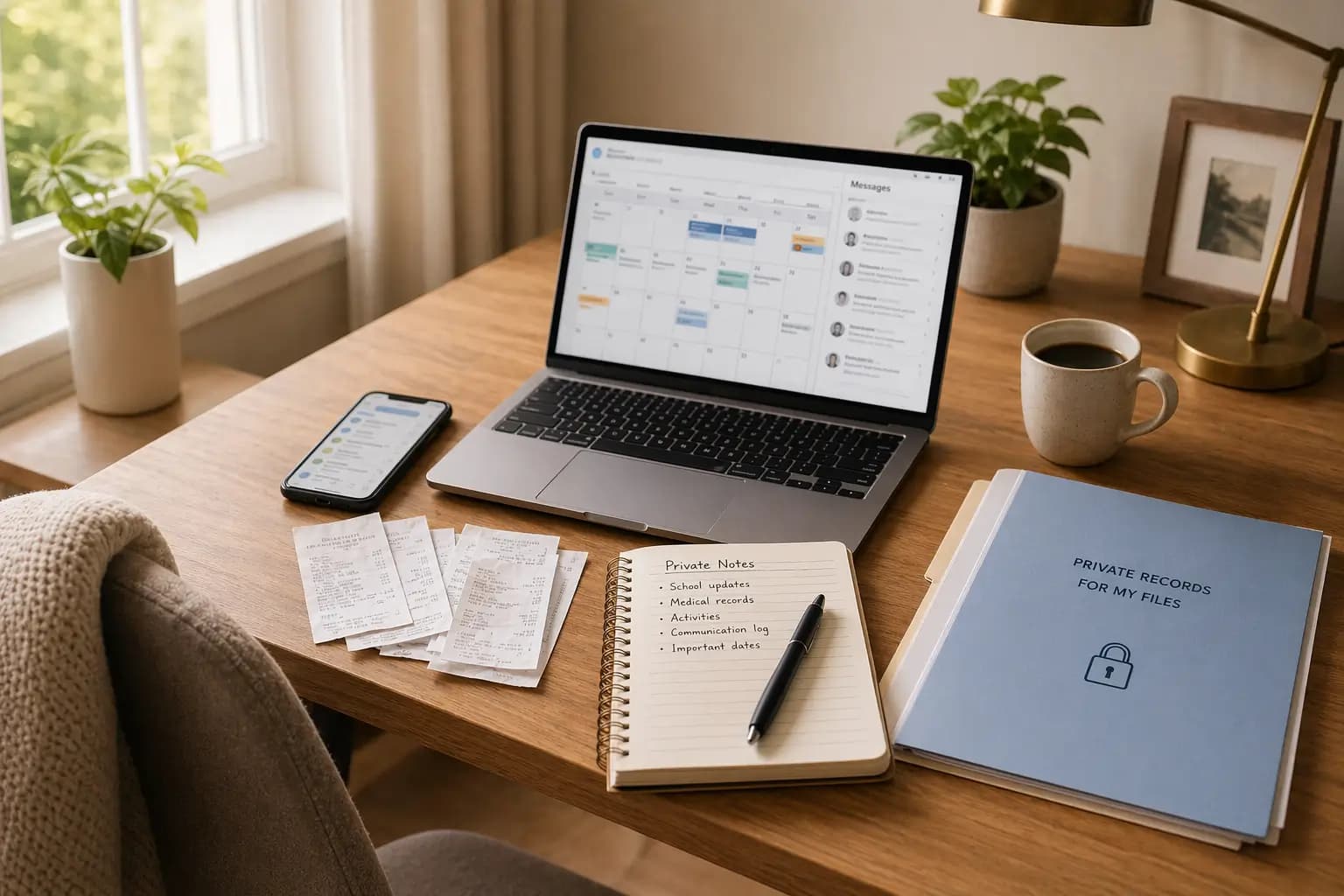
DivKids takes a different approach: your account, your data, your control. You track what you spend and the time you spend with your child. When you’re ready—for mediation, for court, for a conversation with your lawyer—you export a PDF with exactly what you want to share. Filtered by date, by category, by child. Nothing more, nothing less.
The other parent never sees your account. They can’t edit your entries, question them in real-time, or use your notes against you. You maintain complete privacy until you choose to disclose.
What to remember
- Documentation wins disputes. Memory and estimates lose credibility fast. Clear records with proof change the conversation from feelings to facts.
- Track consistently, not just before court. Six months of regular entries looks responsible. One month right before your hearing looks suspicious.
- Categories and child assignments matter. „I spent money” is vague. „I spent $950 on medical for Sarah” is specific and defensible.
- Photo receipts are your best friend. Clear, complete, immediate. Make it a habit: buy something, snap the receipt, add the expense.
- Parenting time logs protect you. When your ex claims you „never” see your child or „always” cancel, your calendar tells the truth.
- Clean PDFs beat messy spreadsheets. Presentation matters. Professional reports get taken seriously.
- Privacy gives you control. Keep your records private. Share what you need to share, when you need to share it.
Start building your evidence today
You don’t need to wait until things get difficult. Start now, while everything is calm. Add your first expense with a photo receipt. Log your next visit with your child. Build a habit of documentation that protects you, saves you money, and—most importantly—keeps the focus where it belongs: on your child.
Try DivKids. Create your account, add your first entries, and export a sample PDF to see how clean and professional your records can look. Start tracking today and build the documentation that protects your rights and your relationship with your children.
This article provides general information only and does not constitute legal advice. Family law varies by jurisdiction. For questions about your specific situation, consult a qualified family law attorney in your area.
Frequently Asked Questions
Are photo receipts accepted as evidence in family court?
What should I include in a parenting time log?
Will my ex-spouse see my expense records in DivKids?
How do I document cash expenses without receipts?
Can I export reports for just one child or specific categories?