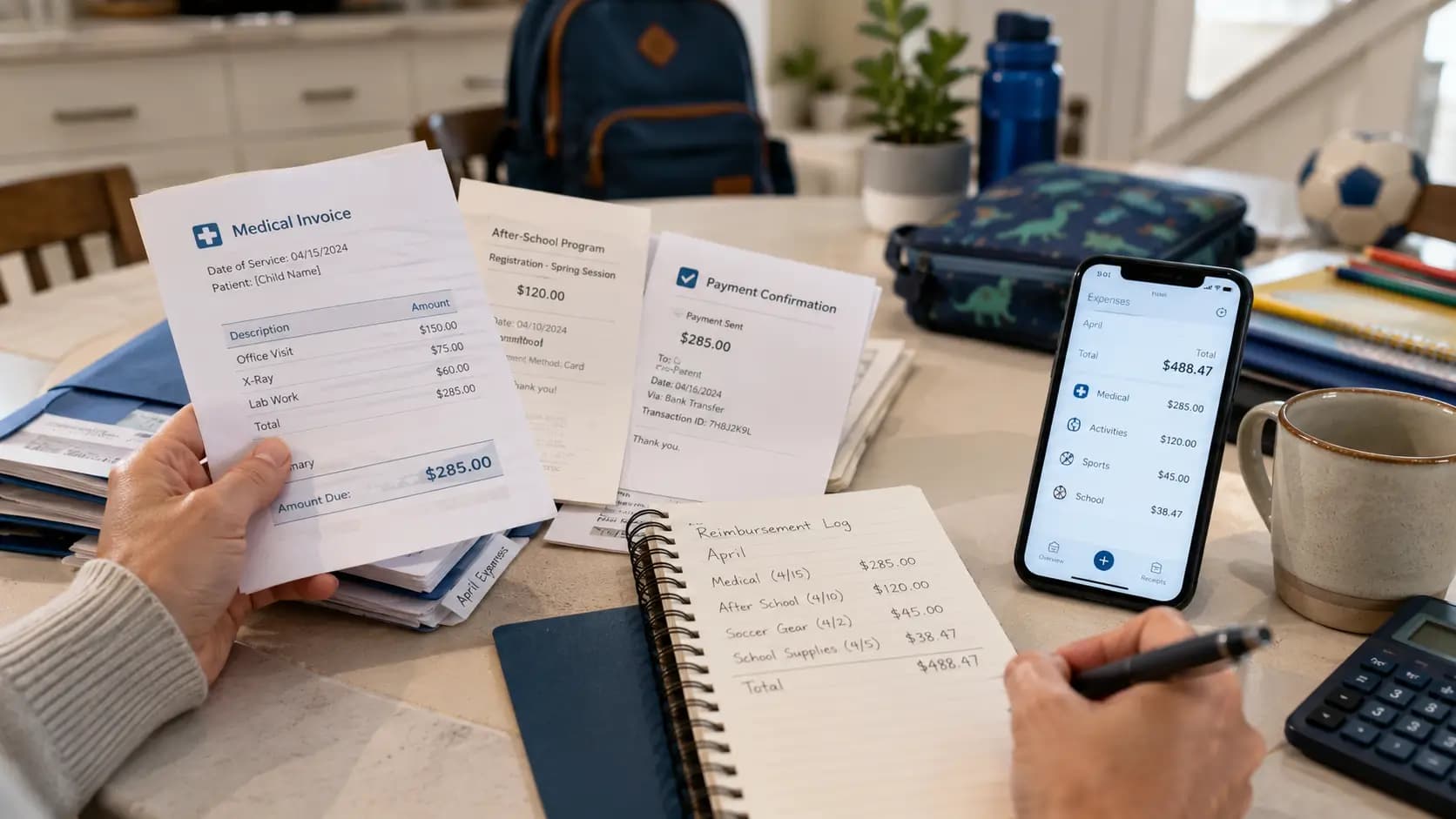
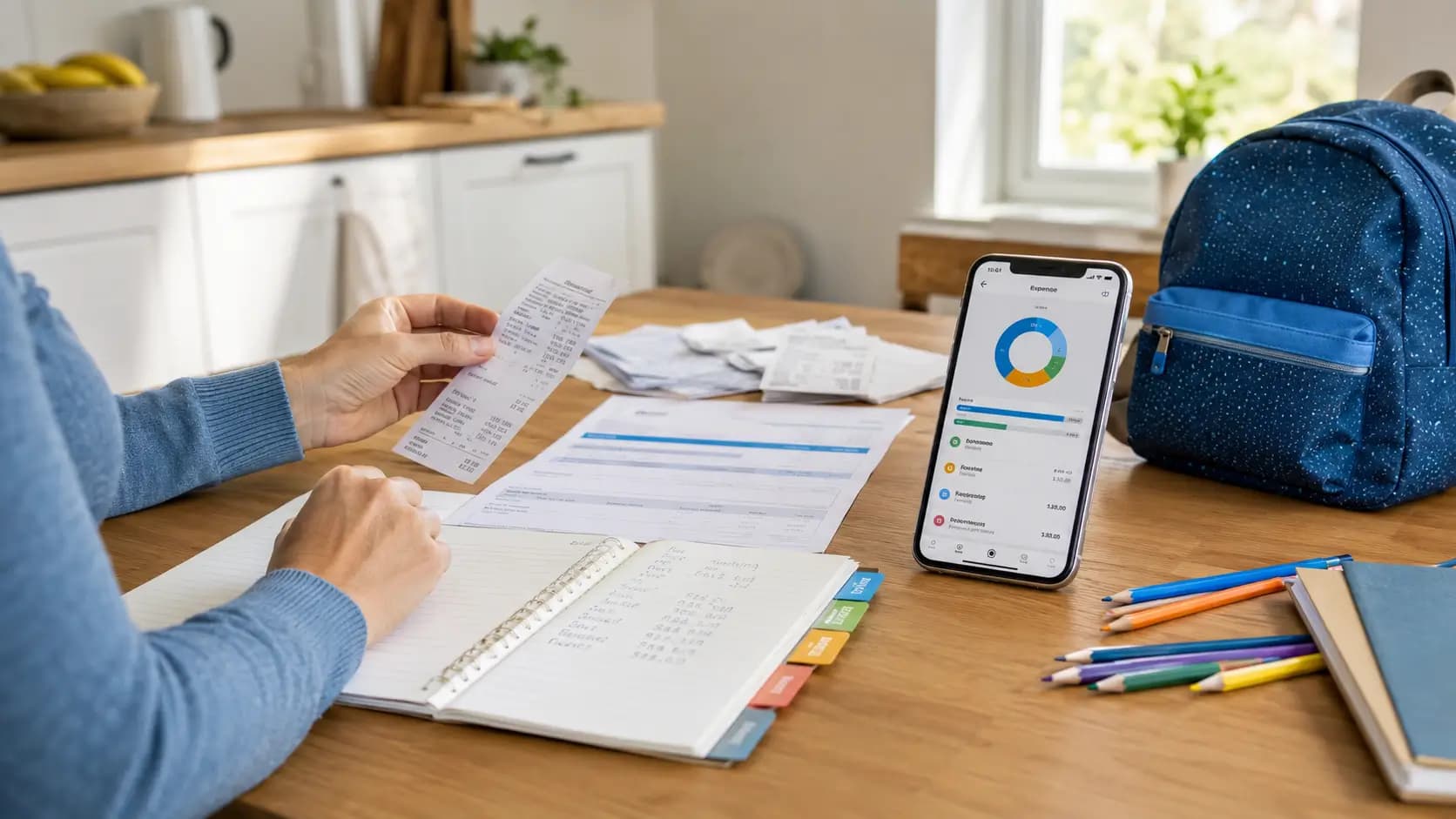
When parents search for a child expense tracker, they usually want something simple and practical. They do not want another complicated finance tool. They want to record child-related expenses as they happen, save receipt photos, see clear summaries and understand what they really spend on their child.
DivKids was built for that. It is a private child support expense tracker for separated and divorced parents who want daily order, better records and a readable expense history when they need to explain costs to the other parent, a lawyer, a mediator or the court.
This article is for informational purposes only and does not replace legal advice.
Quick answer
A good child expense tracker should help you do four things: add expenses quickly, keep receipt photos with each cost, organize spending by category and child, and view clear summaries over time. If you ever need a statement for child support, mediation or court, your records are already organized instead of being scattered across receipts, screenshots and memory.
Start organizing child expenses before the receipts pile up.
No card required. Add real expenses, receipt photos and summaries from day one.
Table of contents
- What is a child expense tracker
- Why track child expenses after divorce or separation
- What child expenses should you track
- How DivKids helps you track child expenses
- Categories, children and clear summaries
- Common mistakes when tracking child expenses
- When organized records may matter
- Free child expense tracker and pricing
- Who DivKids is for
- How to start tracking child expenses
- Connect expenses with parenting time
- Key takeaways
What is a child expense tracker
A child expense tracker is a tool that helps you record costs connected with your child in one place. Instead of keeping paper receipts, bank screenshots, notes and photos in different apps, you build one clear expense history.
With DivKids, you can add an expense, photograph the receipt, choose a category, assign the cost to a child and keep everything in a private timeline. Later you can filter expenses by child, category or period and see how much you really spent.
For separated and divorced parents, this is more than normal budgeting. Child support, shared costs and conversations with the other parent often depend on real numbers. A structured expense history helps you move from vague estimates to clear records.
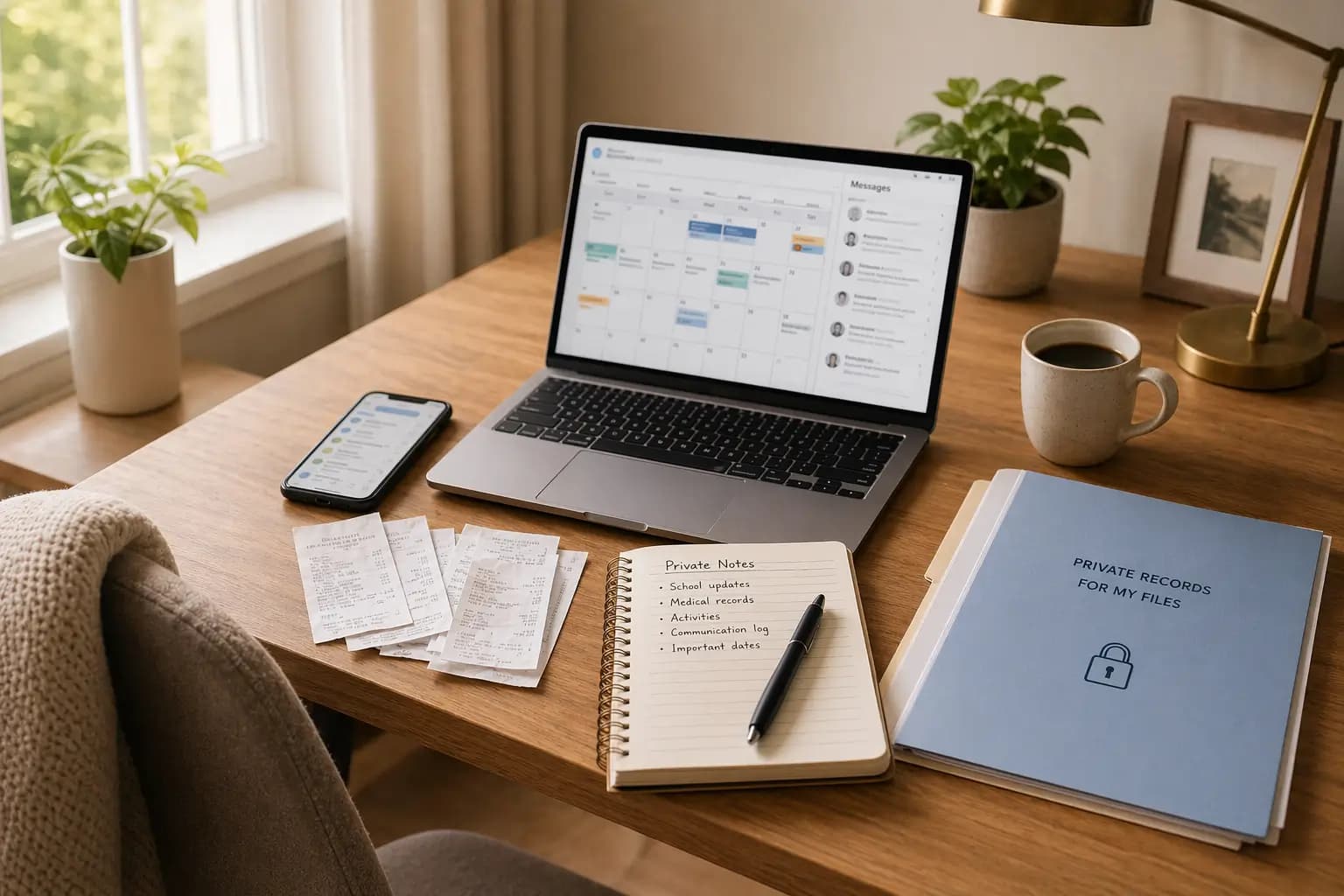
DivKids is designed for one parent. The other parent does not get access to your account. You control your own records, notes, receipt photos and summaries.
Why track child expenses after divorce or separation
Many parents start tracking costs only when there is already pressure. The other parent questions expenses. A lawyer asks for a breakdown. Mediation is coming. Or the parent simply realizes that they cannot clearly say how much the child costs each month.
A child expense log helps because it turns everyday spending into a structured history.
- You know what you spend. Food, clothes, school, health, activities and transport stop being rough guesses.
- You keep proof close to the expense. A receipt photo is saved next to the amount, date, category and note.
- You can compare periods. You can see whether costs are stable, rising or unusually high in a specific month.
- You are better prepared for child support talks. You can show real child-related costs instead of trying to rebuild them later.
- You reduce chaos. You do not need to search through your gallery, bank app, email, paper drawer and old messages.
Tracking expenses is not only about conflict. It is about calm order. When the records are there, you do not have to rely on memory.
What child expenses should you track
Track expenses that are clearly connected with your child and their daily life. The goal is to build a realistic picture of the cost of raising your child.
Common child-related expenses include:
- food and groceries,
- clothes and shoes,
- school supplies and education,
- medicine, doctor visits and dental care,
- sport, hobbies and activities,
- transport and travel related to the child,
- housing and utilities when you want to show the child’s share of household costs,
- larger one-time costs, such as glasses, camps, school trips, winter clothes or equipment.
The most useful records are consistent records. A few months of regular entries are usually stronger than a rushed list created only when a problem appears.
How DivKids helps you track child expenses
DivKids focuses on three things: quick input, clear structure and useful summaries. The app is built for normal daily life, not only for the day before a meeting with a lawyer.
Take receipt photos in seconds
When you buy something for your child, you open DivKids, choose Add expense and photograph the receipt. The photo stays attached to that specific expense.
This matters because a receipt in your phone gallery often loses context. After a few months, it may be hard to remember what it was for, which child it belonged to and whether it was already included in your notes.
Add only the details that matter
Each expense entry can include:
- Amount in your selected currency.
- Date of purchase.
- Category, such as food, clothes, housing, health, school, sport or transport.
- Child the expense belongs to.
- Optional note, for example school shoes, dentist visit, winter jacket or extra math class.
- Receipt photo saved next to the expense.
You do not need long descriptions. The point is to record the cost while the details are still fresh.
Build a timeline of costs
In the expense history you can see your child-related costs in order. You can filter them, check categories and open receipt photos when needed. This gives you a practical record of daily spending, not a pile of disconnected files.
Categories, children and clear summaries
DivKids is not a generic budget app. Its structure is focused on child-related costs and parents who need organized records.
Ready-made and custom categories
By default, the app offers typical categories such as:
- Food and groceries
- Clothes and shoes
- Housing and utilities
- Health and medicine
- School and education
- Activities and sport
- Transport and travel
- Other child-related costs
You can also add custom categories that match your situation, for example therapy, special needs equipment, private lessons or recurring medical costs.
Per-child summaries
Each child in DivKids has their own profile. You can see how much you spent for each child in a selected period. This matters when children have different ages, needs, schools, activities or health costs.
Monthly and category summaries
The real value appears when small daily entries turn into a clear overview. DivKids helps you check:
- how much you spent in a selected month,
- which categories cost the most,
- how spending changes over time,
- how much belongs to each child,
- which expenses have receipt photos and notes.
This is the difference between „I think I spend a lot” and „Here is the actual history of costs.”
Common mistakes when tracking child expenses
Parents often try to organize expenses only when they already need them. That makes the work harder and less reliable.
Common mistakes include:
- Keeping receipts without context. A receipt alone may not show which child it relates to or why the purchase mattered.
- Saving photos only in the phone gallery. After a few months, receipt photos mix with normal photos and become hard to find.
- Using bank statements as the only proof. A bank transaction may show the shop, but not what was bought for the child.
- Adding expenses from memory. Memory fades quickly, especially when there are many small costs.
- Using too many places. Notes, spreadsheets, screenshots, emails and paper receipts create more work later.
A simple habit works better: add the expense when it happens, attach the receipt if you have it, choose the category and move on.
When organized records may matter
Organized child expense records can help in everyday communication, mediation, child support discussions and legal preparation.
They may be useful when:
- you are applying for child support or maintenance,
- you want to show that costs have increased,
- the other parent questions child-related spending,
- you split selected costs such as medical bills, school trips or activities,
- your lawyer asks for a clear breakdown of expenses,
- you need to prepare a readable statement from your records.
DivKids does not decide what a court will accept. But it helps you keep the facts in order: dates, amounts, categories, children, notes and receipt photos.
When you need a clear statement, you can generate it from records you have already collected instead of rebuilding everything from old receipts and screenshots.
Free child expense tracker and pricing
Many parents search for a free child expense tracker because they already pay for rent, food, school, clothes and legal help.
You can start DivKids with a free trial and use the expense tracker with your own real data. You can add children, enter expenses, save receipt photos and check summaries before deciding whether the app fits your needs.
If you stay, the paid plan is designed to be affordable. The goal is to make organized child expense tracking available to normal parents, not only to people with high income or complex legal cases.
Try tracking real child expenses for one week.
Add expenses, receipts, categories and summaries in one private place.
Who DivKids is for
DivKids is designed for separated and divorced parents who need more than a normal budgeting app.
It is useful if you recognize yourself in one or more of these situations:
- You pay many everyday costs for your child and want to know the real monthly amount.
- You want to save receipt photos next to each expense.
- You are preparing for child support, mediation or a conversation with a lawyer.
- The other parent questions expenses and you want calm, organized records.
- You want a private system that only you control.
- You are tired of keeping costs in paper notes, spreadsheets, screenshots and memory.
The app may be less necessary if both parents share costs informally, communicate well and do not need detailed records. DivKids is most useful when you want reliable documentation and clear summaries over time.
How to start tracking child expenses
You do not need technical skills to use DivKids. Start small and build the habit.
Step 1 Create your private account
Open DivKids, choose your language and register with your email address. Your account is private. The other parent does not get access to your dashboard.
Step 2 Add your children
Add each child to your account. From now on, every expense can be assigned to the right child.
Step 3 Add the next real expense
The next time you buy something for your child, add it to DivKids. Enter the amount, date, category and child. Add a receipt photo if you have one.
Step 4 Check your summaries
After a few weeks, look at your categories and monthly totals. This is where the app starts to show its value. You stop guessing and start seeing real numbers.
Step 5 Generate a statement when you need it
If you later need a clear expense statement for the other parent, mediation, a lawyer or court, your records are already organized. You do not have to rebuild the story from old receipts and screenshots.
Connect expenses with parenting time
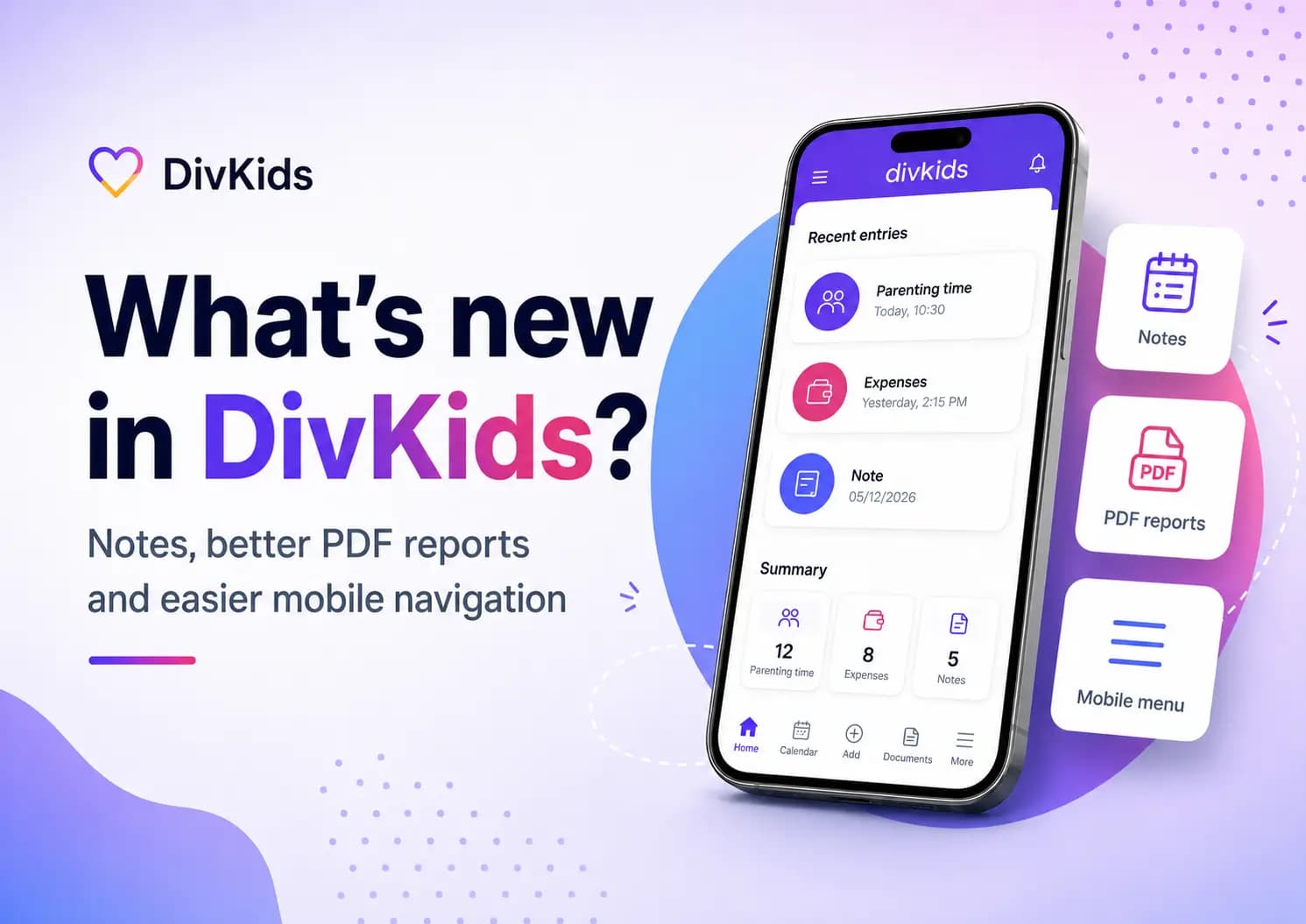
DivKids is more than an expense tracker. It also includes a parenting time tracker. When you use both features together, you can keep a fuller record of your role as a parent.
- You can log both time with your child and expenses in one system.
- You can see which costs happened during your parenting time.
- You can connect money, dates, notes and receipts instead of keeping separate files.
This is useful when you want to show not only what you spent, but also when and why those costs appeared.
Key takeaways
- A child expense tracker helps you record child-related costs as they happen.
- DivKids lets you save receipt photos, categories, notes and per-child expense history in one place.
- The main value is daily order: you know what you spent, when, for which child and in which category.
- Clear summaries help you understand monthly costs and prepare for child support, mediation or legal conversations.
- When needed, you can generate a readable statement from records you have already collected.
If your child-related expenses are spread across receipts, bank history, screenshots and memory, DivKids helps you bring them into one private system. You can track costs day by day, see clear summaries and stay ready when someone asks what raising your child really costs.
Bring your child expenses, receipts and summaries into one place.
Private account. No card required.
Frequently Asked Questions
What is a child expense tracker app?
Is DivKids a free child expense tracker?
How can I use a child expense tracker in court?
What expenses should I track for my child?
How is DivKids different from normal budgeting apps?